Live Neural Canvas: 7 Essential Steps to Integrate Real-Time AI Inference into Your Live Visual Performance Pipeline
Learn to integrate StreamDiffusion and ComfyUI into live VJ pipelines. Discover safety layer architecture, controlled AI inference, and touring specifications.
 🔍 COVER PLATE — CLICK TO EXPAND
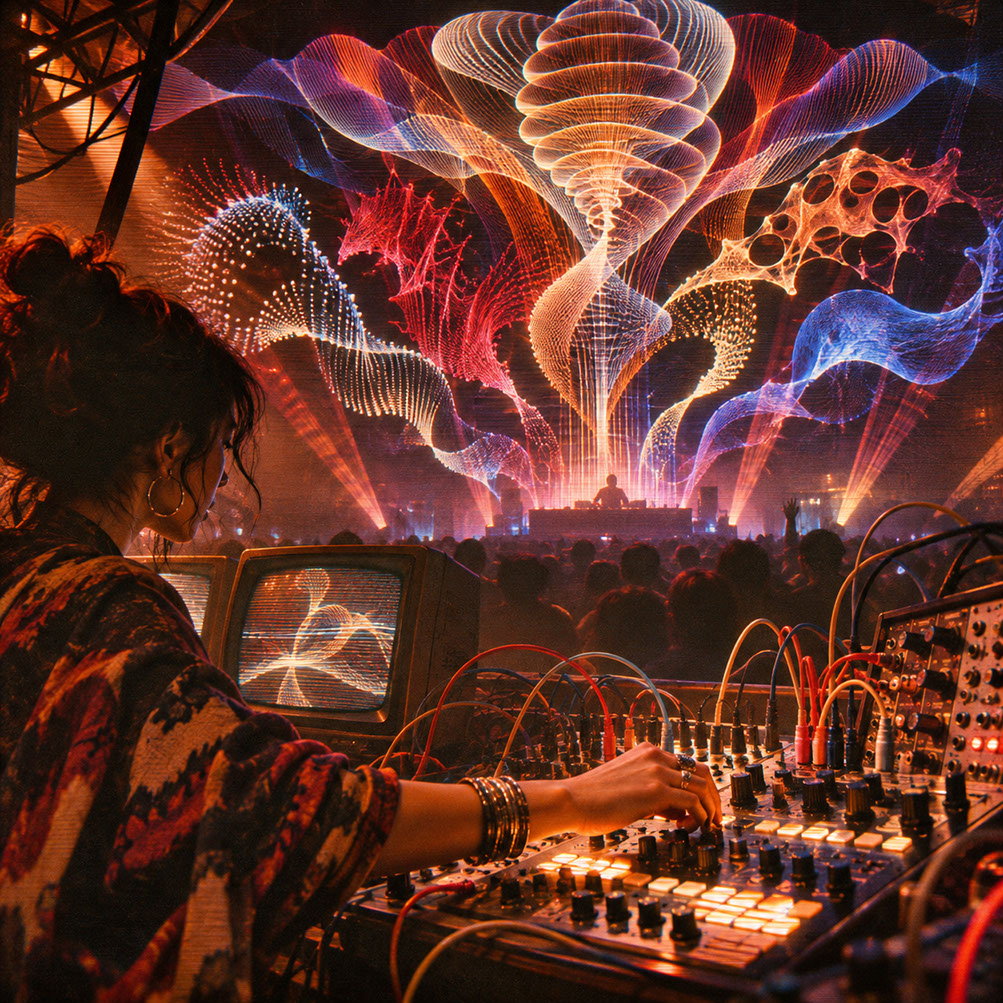
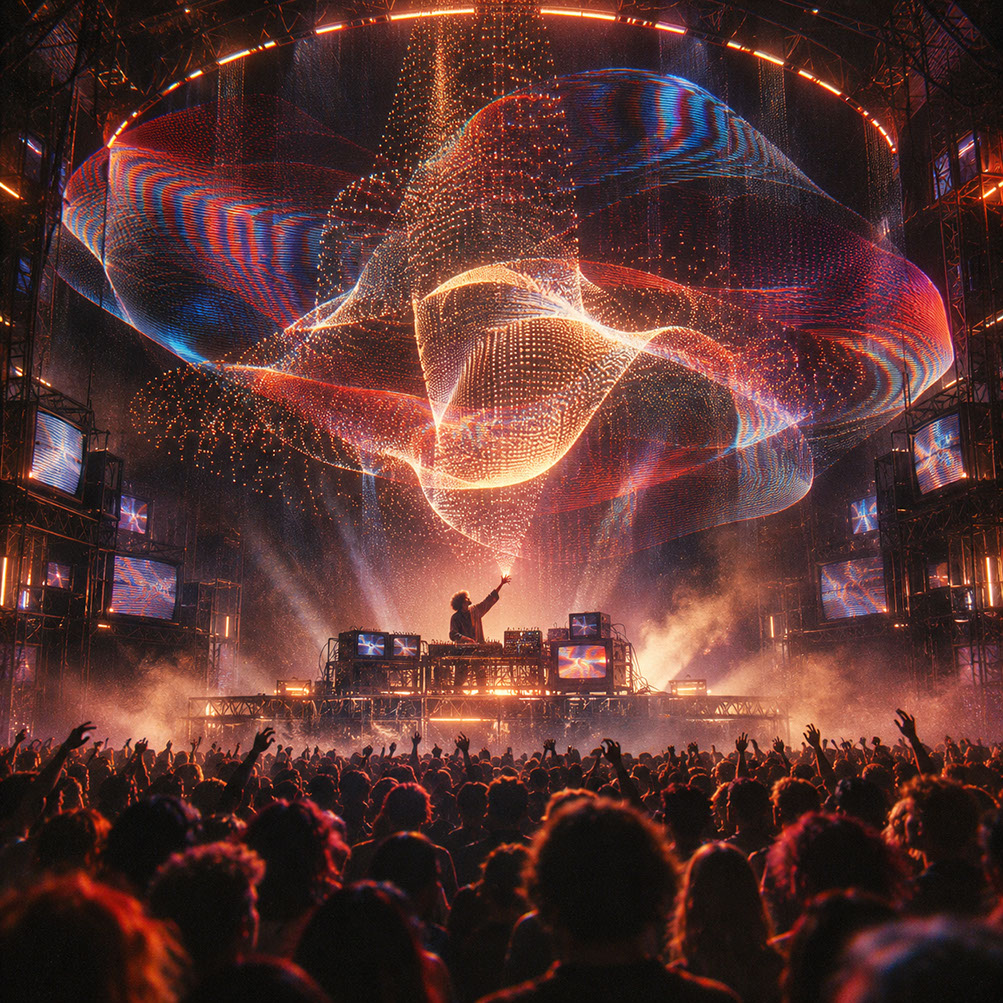
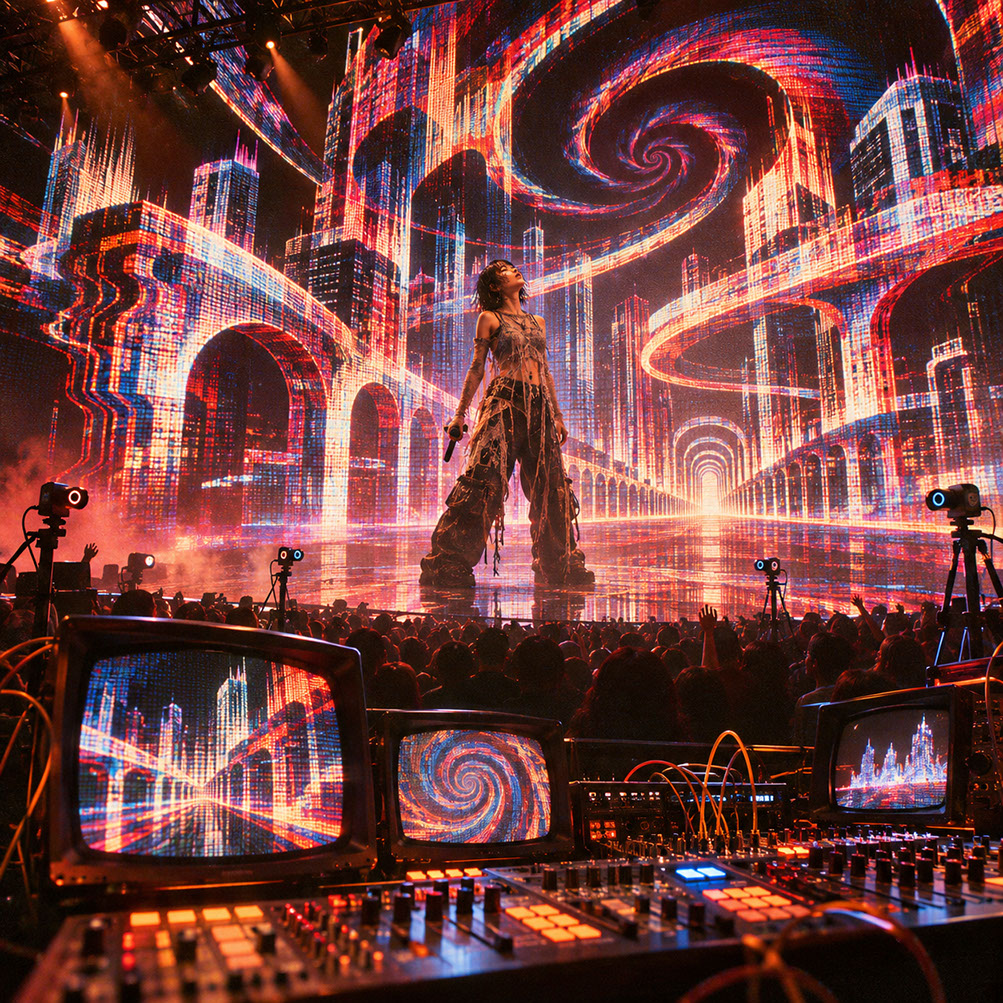
Episode 2 Hero Cover: Harnessing TensorRT-accelerated neural diffusion as a steerable, low-latency instrument inside a live audiovisual rig.
Introduction
Picture this: you're mid-set at a packed festival, the bass drops, and your neural inference engine freezes. The screen displays a half-rendered face, grotesquely stuck between transformations, whilst thousands of eyes stare at your digital catastrophe. Now imagine a different scenario—the same freeze happens, but your safety layer kicks in seamlessly, the audience sees nothing but a smooth transition to your procedural backup, and the show continues flawlessly. The difference between these two outcomes isn't luck; it's architecture.
The promise of AI-generated visuals is genuinely intoxicating. Infinite variation, responsive imagery, frames that never repeat—it sounds like the ultimate evolution of everything we discussed in Episode 1 about generative systems. But here's the uncomfortable truth: the gap between a development demo running on a pristine workstation and a touring system performing reliably under venue conditions is vast, and it's often fatally underestimated.
This episode will guide you through the practical integration of local machine-learning inference engines into live performance pipelines. You'll learn to distinguish development benchmarks from touring specifications, build safety architecture that protects your show, and move beyond obvious AI morph effects toward controlled, intentional visual transformation. Let's dive into the live neural canvas.
 🔍 PLATE 01 — CLICK TO EXPAND
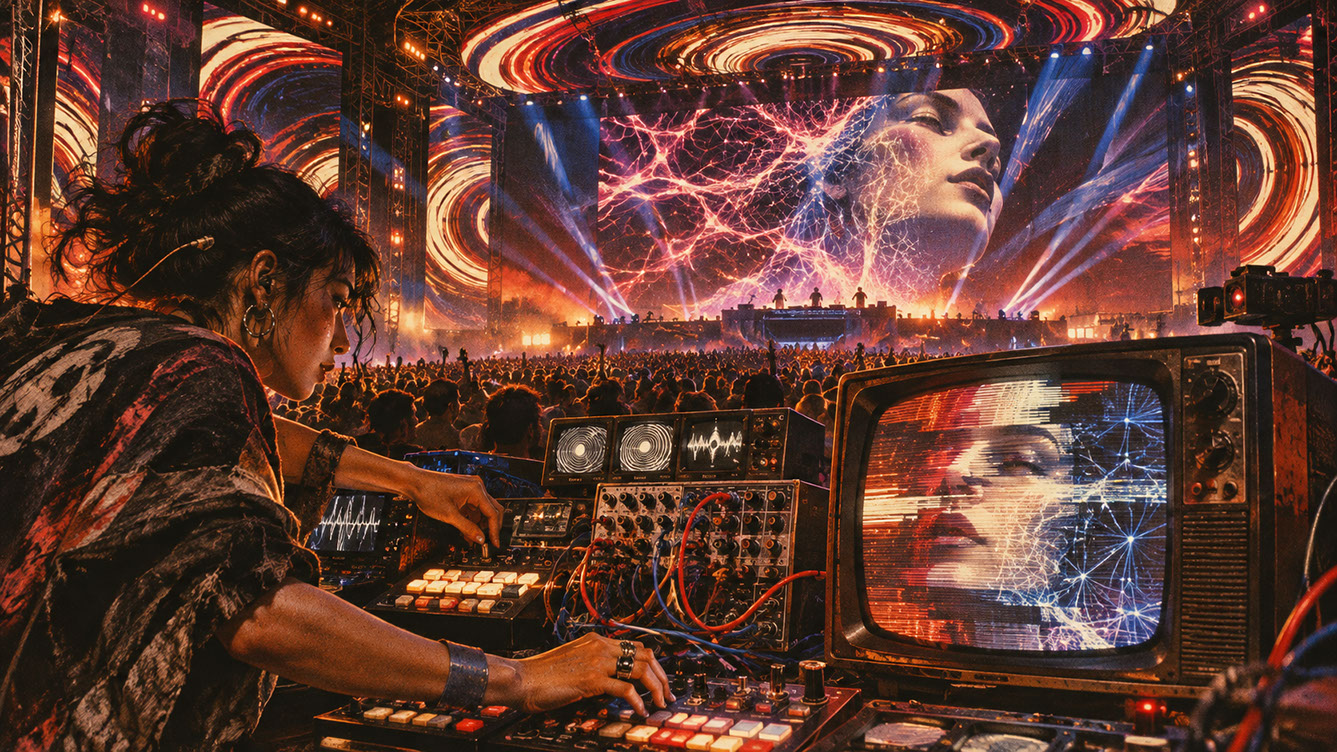
Plate 01 — Introduction — From Offline Prompting to Real-Time Performative Neural Synthesis: Plate 01 (Introduction): Shifting AI from slow offline text prompting to instantaneous, gesture-driven stage performance.
Why Now? The Context for Real-Time AI Visuals
StreamDiffusion's Architecture for Interactive Workflows
StreamDiffusion wasn't built for batch processing—it was designed specifically for interactive diffusion workflows. This is a crucial distinction. Traditional Stable Diffusion implementations process images sequentially, which creates unacceptable latency for live performance. StreamDiffusion optimises the pipeline for continuous frame processing, enabling the kind of responsive, real-time generation that live visuals demand.
The architecture maintains a constant processing stream rather than treating each frame as an isolated request. This approach dramatically reduces the overhead associated with model loading and unloading, making genuine real-time performance achievable—under the right conditions.
ComfyUI's Programmatic Workflow Execution
ComfyUI has evolved from a user-friendly interface into a genuinely powerful backend for live visual systems. Its versioned API and SDKs allow workflows to be triggered and modified programmatically, which opens the door to integration with external control systems like TouchDesigner, OSC, and MIDI controllers.
Think of ComfyUI as your neural network's stage manager—it handles the complex choreography of nodes, models, and parameters whilst accepting instructions from your performance environment. This separation of concerns is essential for building maintainable, debuggable systems.
The Critical Distinction: Development vs. Touring
Here's where many artists come unstuck. Published benchmark figures showing high frame rates for image-to-image processing are development references, not touring guarantees. These numbers are achieved with specific hardware configurations, optimised software builds, and ideal thermal conditions—none of which match the reality of a sweaty venue with inconsistent power and your system running alongside LED processors, audio interfaces, and lighting desks.
Every specification depends on your exact model choice, resolution requirements, denoising steps, software version, and hardware configuration. The only benchmark that matters is the one you measure yourself, with your complete touring pipeline running under realistic conditions.
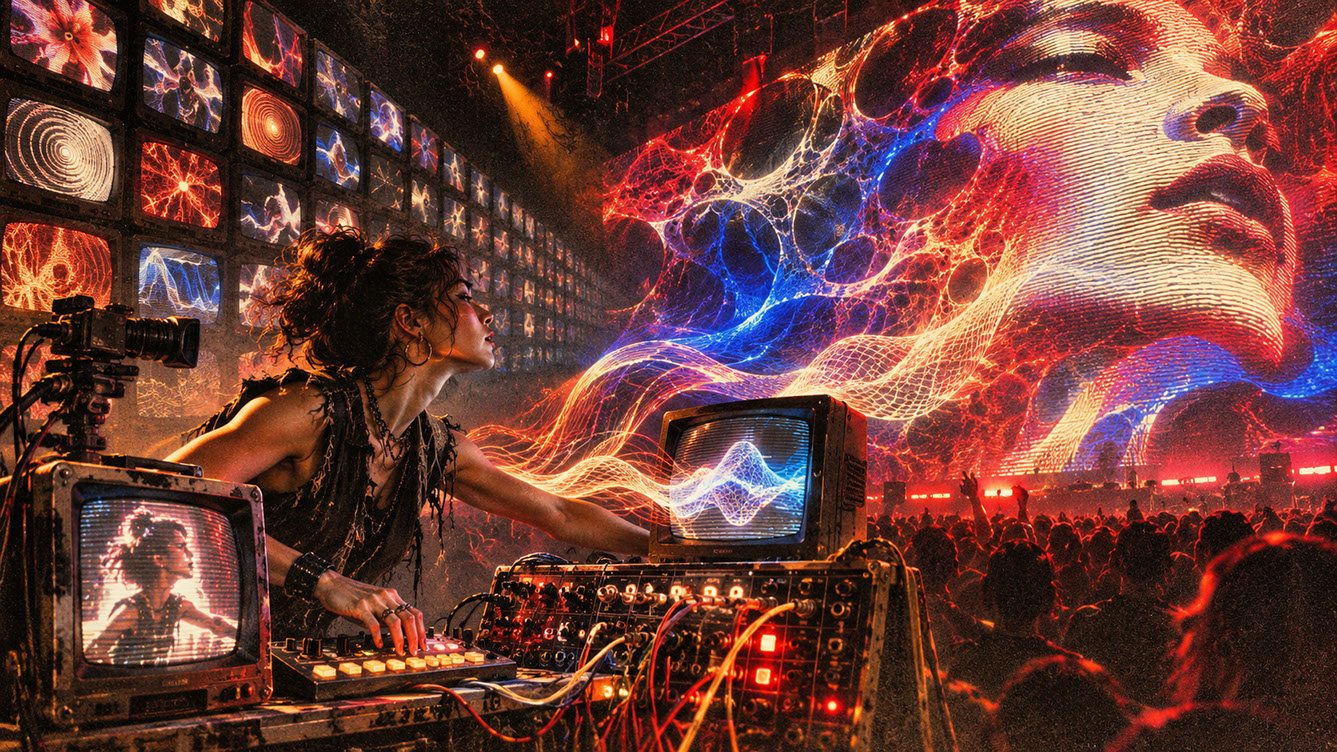 🔍 PLATE 02 — CLICK TO EXPAND
Plate 02 — Why Now — How Single-Step Consistency Models & TensorRT Unlocked 60 FPS Live AI: Plate 02 (Why Now — Context for Real-Time AI): Latent Consistency Models, StreamDiffusion, and GPU Tensor cores breaking the real-time frame-rate barrier.
Core Tech Stack and Signal Flow
Primary Pipeline Architecture
Let's map out a practical signal flow for StreamDiffusion integration:
Audio Input → FFT Analysis → TouchDesigner (generates input imagery, processes parameters) → StreamDiffusion (via Spout texture sharing) → TensorRT/PyTorch Inference → Colour Management → Spout Output → Resolume Arena (or Notch/Unreal) → LED Processor → Display
This architecture keeps your generative system (TouchDesigner) handling the creative logic whilst StreamDiffusion processes the neural transformation. The key is maintaining clear boundaries between systems so each component can be monitored, adjusted, and bypassed independently.
Alternative ComfyUI API Approach
For more complex workflows, consider the ComfyUI API pathway:
Prompt/Parameter Controls → ComfyUI API → Workflow Queue → Preview/Output Event → TouchDesigner Texture Input
This approach offers greater flexibility for complex node graphs but introduces additional latency considerations. The workflow queue adds unpredictability to timing, which must be accounted for in your performance design.
Understanding Preview vs. Completed Results
ComfyUI distinguishes between preview images and authoritative completed results. For live performance, you need to decide which to display. Previews offer lower latency but may contain artefacts; completed results are clean but slower. Many performers use previews during high-energy sections and completed results during slower passages.
Hardware Considerations
GPU requirements vary significantly based on your specific implementation. Current systems typically require recent high-performance GPUs with substantial VRAM—but more important than specific hardware is understanding your thermal environment. Venue temperatures, restricted airflow around equipment racks, and extended operation times all affect performance in ways that benchmarks don't capture.
TensorRT optimisation can dramatically improve inference speed, but requires time to compile optimised versions of your specific models. Budget this compilation time into your pre-show setup procedures.
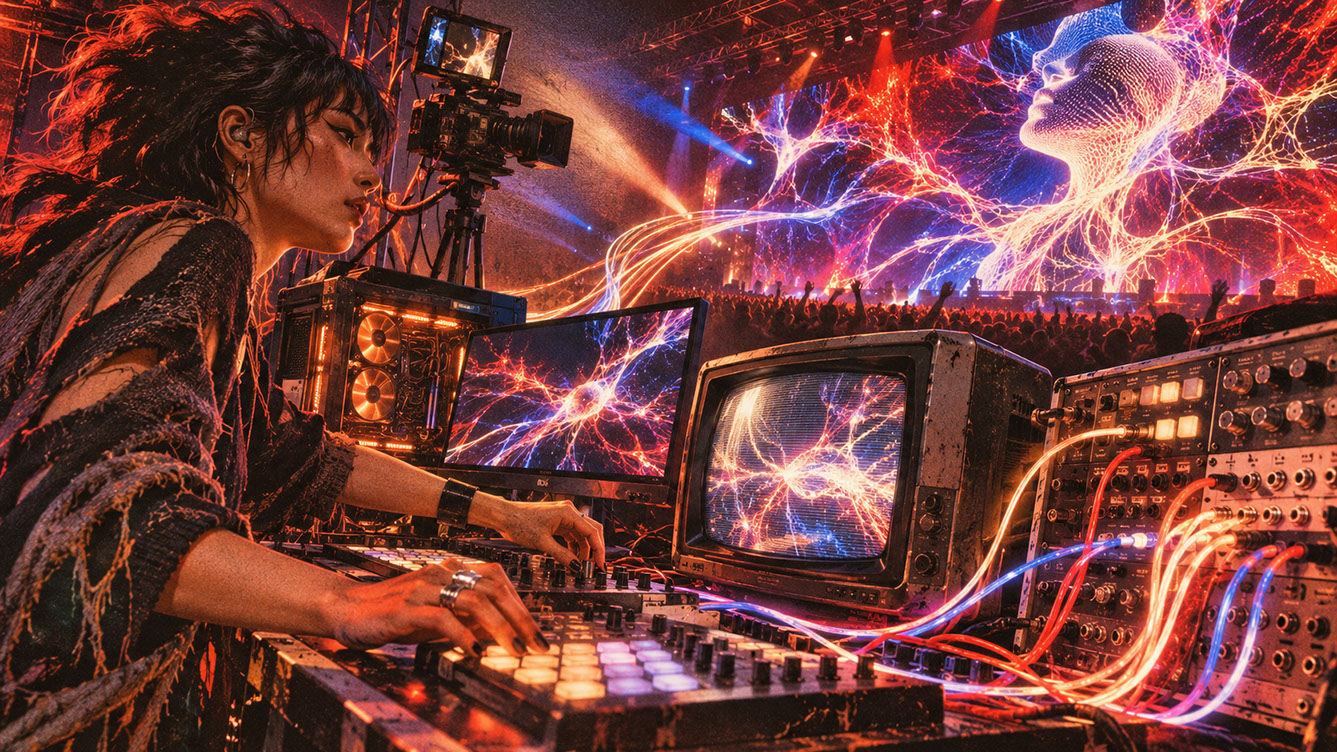 🔍 PLATE 03 — CLICK TO EXPAND
Plate 03 — Core Tech Stack & Signal Flow — TouchDesigner, ComfyUI, ControlNet & Spout Texture Routing: Plate 03 (Core Tech Stack & Signal Flow): Zero-copy GPU Spout texture sharing between procedural geometry, ControlNet conditioning, and final LED compositing.
Aesthetic Language and Visual Direction
Moving Beyond the Obvious AI Morph Effect
We need to have an honest conversation about AI aesthetics. The melting faces, the psychedelic transformations, the endless morphing—audiences have seen it. A lot. What felt revolutionary eighteen months ago now triggers immediate recognition of "oh, they're using AI," which breaks the immersive spell we're trying to create.
The most sophisticated AI visual work in 2027 is actually restrained. It uses neural inference as one tool among many, not as the entire show.
Controlled Image-to-Image Transformation
The real power of live AI visuals lies in controlled image-to-image transformation. By keeping denoise values low, you maintain the structure and intent of your source imagery whilst adding subtle neural character. Think of it as a sophisticated filter that understands context, not a replacement for artistic direction.
Structural guides like ControlNet and reference images help maintain visual coherence across frames. Rather than random prompt changes generating chaotic variation, you build stable visual vocabularies that evolve predictably—strange as that sounds for generative systems.
Principles for Sophisticated AI Aesthetics
Consider these principles for mature AI visual work:
- Slow transformations over rapid morphing—let changes breathe
- Recognisable motifs that age better than random variation
- Musical phrasing alignment rather than constant visual change
- Negative space that leaves room for audience imagination
- Constraint as creative choice, not technical limitation
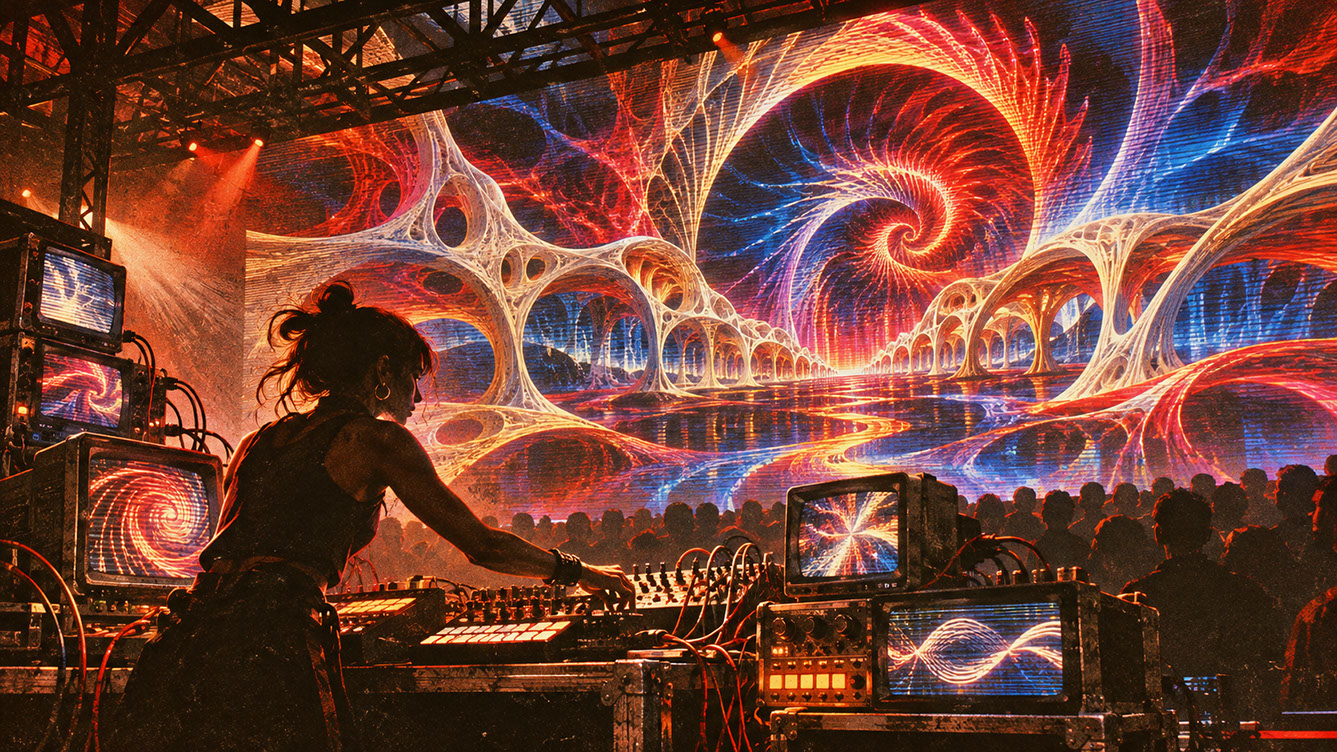 🔍 PLATE 04 — CLICK TO EXPAND
Plate 04 — Aesthetic Language — Steering Temporal Coherence, Optical Flow & Custom LoRA Style Worlds: Plate 04 (Aesthetic Language & Visual Direction): Replacing chaotic AI flicker with optical-flow locking and artist-trained LoRA visual identities.
Practical Patch Insight: Safety Layer Architecture
The Cardinal Rule
Never make neural inference your only output path. This isn't paranoia—it's professional practice. AI inference is inherently unpredictable. Failure modes include frozen frames, missing textures, excessive processing time, and unexpected visual outputs that simply don't belong in your show.
Building the Safety Architecture
Maintain a permanent local procedural or pre-rendered bypass that runs in parallel with your neural inference. Design the system so switching to this bypass is seamless and instant—ideally, the audience shouldn't even notice when it happens.
Critically, ensure your bypass is aesthetically coherent with your AI-generated content. If your neural canvas produces abstract colour fields and your backup is geometric wireframes, the switch will be jarring. Design them as variations on a theme.
Watchdog Systems
Implement monitoring systems that continuously evaluate your neural output:
- Frozen frame detection: No meaningful change over a specified duration
- Missing texture detection: Black frames or null outputs
- Timing watchdog: Excessive processing time or queue buildup
- Parameter bounds checking: Outputs outside expected colour or brightness ranges
These watchdogs should run independently of your main visual system, providing an objective assessment of output health.
Automatic Switching Logic
Define clear failure thresholds and response times. When a watchdog triggers, implement gradual transitions rather than hard cuts where possible—a quick crossfade to your backup layer looks intentional, whilst a sudden cut screams "something broke."
Log all failures for post-show analysis. Patterns in failure data help you improve system reliability over time.
Rehearsing Failure
Deliberately test failure scenarios before every show. Pull the Spout connection mid-performance during soundcheck. Kill your inference process. Overload the queue. Build muscle memory for manual override procedures so that when failure happens live, your response is automatic.
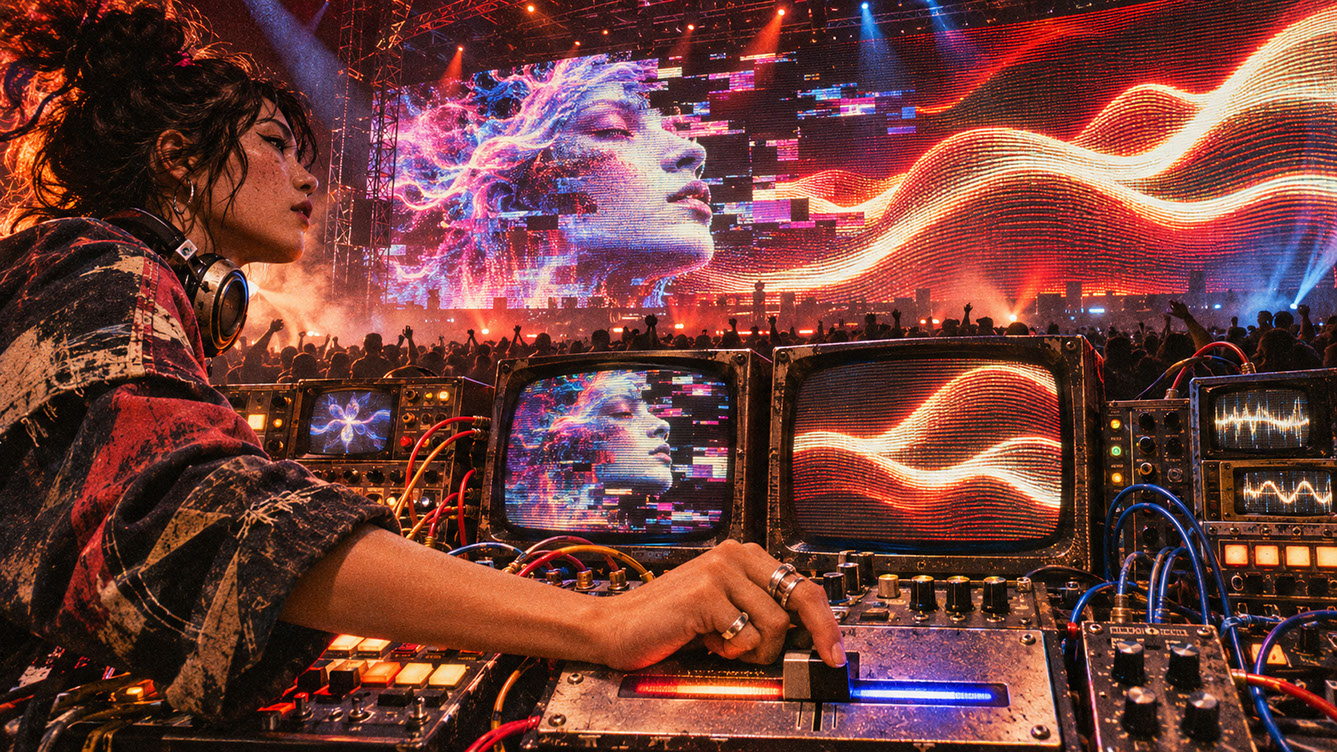 🔍 PLATE 05 — CLICK TO EXPAND
Plate 05 — Practical Patch Insight — Multi-Tier Safety Layer Architecture for Live AI Inference: Plate 05 (Safety Layer Architecture): Bounding unpredictable neural output with deterministic LUTs, contrast gates, and automatic frame-freeze failover.
Cross-Disciplinary Bridge: Collaborative Workflows
For Musicians: Controlling the Neural Canvas
MIDI CC and OSC messages can modify prompt tokens, style weights, or image references in real time. Map your arrangement sections to different visual states—verse prompts, chorus prompts, breakdown prompts. But create clear, limited control vocabularies rather than overwhelming options. Three well-designed parameters beat thirty confusing ones.
For Motion Designers: Contributing Art Direction
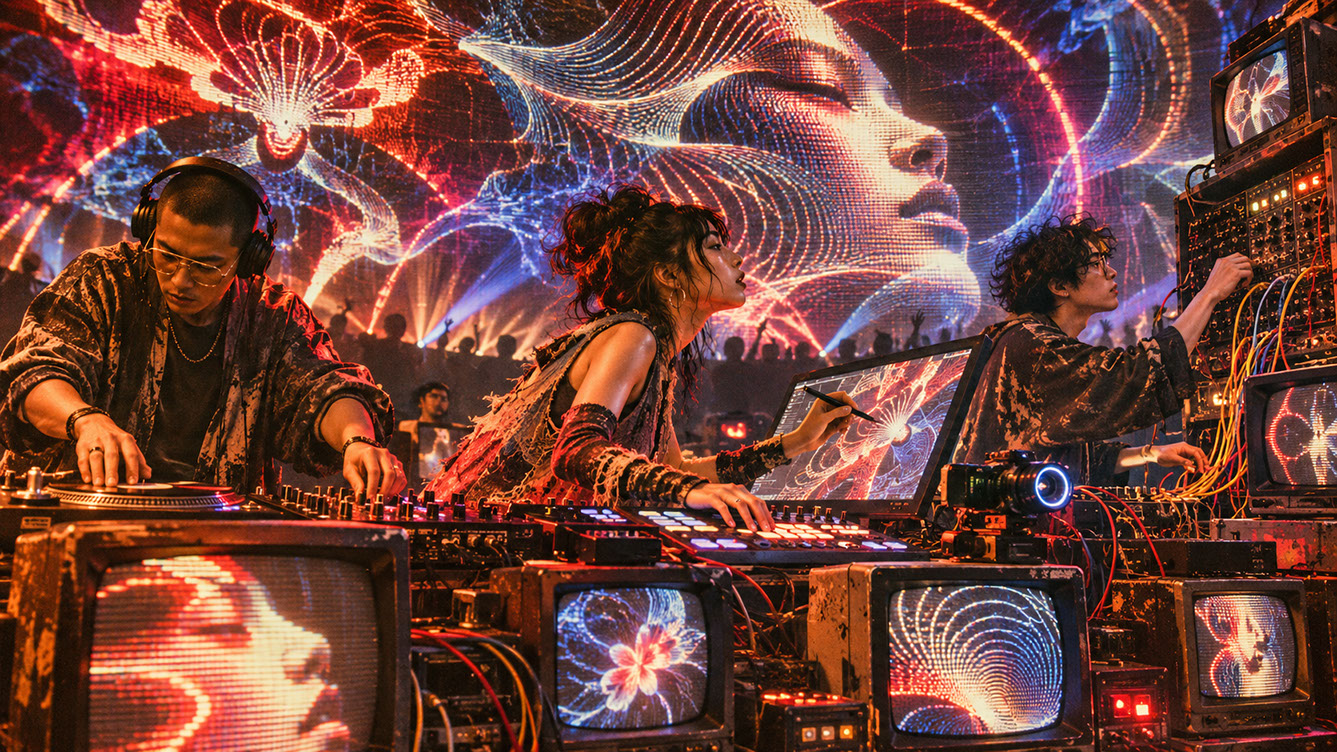
Your existing art direction skills translate directly into neural network constraints. Convert brand guidelines into prompt libraries. Create control maps and reference frames that define the boundaries of AI generation. Build reusable ComfyUI graphs that encode your visual language.
Version control for prompt libraries and workflows enables collaborative iteration. Document everything for touring teams who may need to troubleshoot without you present.
 🔍 PLATE 06 — CLICK TO EXPAND
Plate 06 — Cross-Disciplinary Bridge — Illustrators, 3D Artists & VJs Co-Training Custom Stage Models: Plate 06 (Collaborative Workflows): How illustrators, scenic designers, and VJs build ethical, bespoke training datasets rooted in original studio artwork.
Conclusion
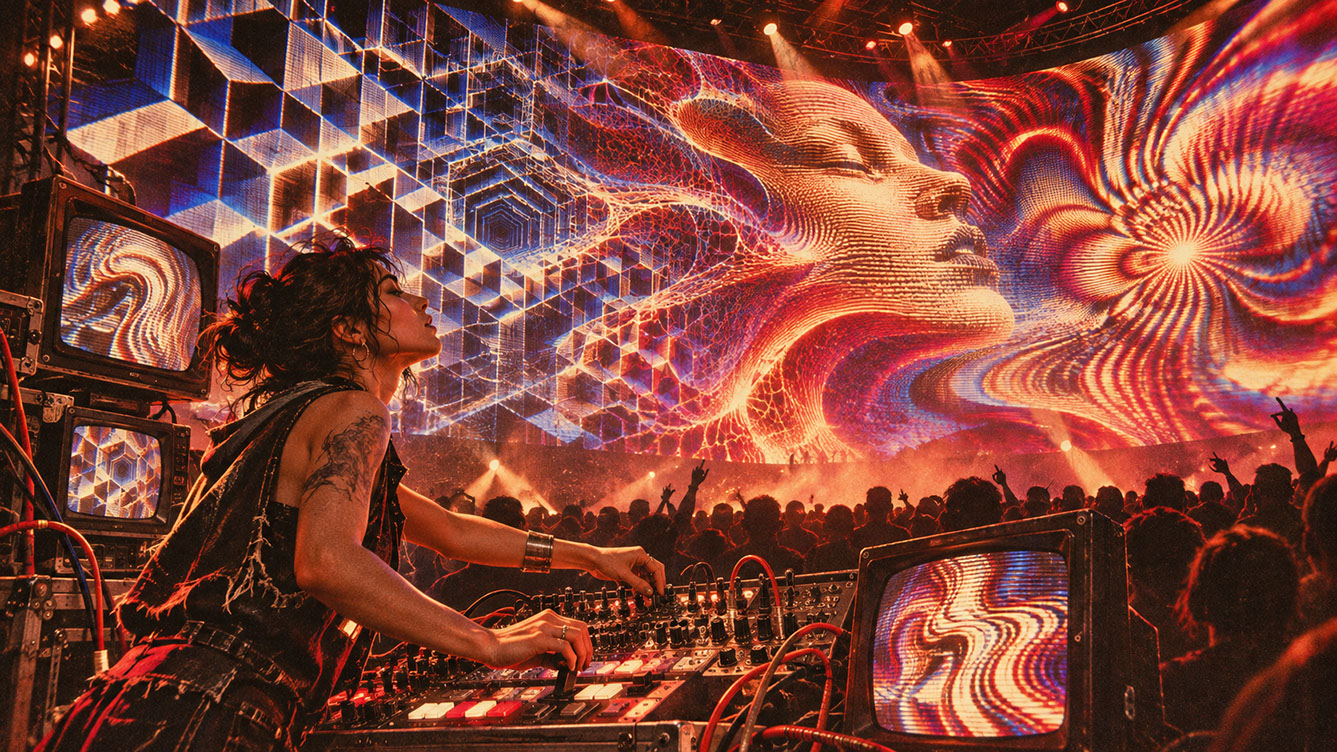
StreamDiffusion and ComfyUI offer genuine new capabilities for live visual performance, but they demand respect for their limitations. Development benchmarks are not touring specifications—test complete pipelines under realistic conditions. Move beyond obvious AI effects toward controlled, intentional transformation that serves your artistic vision rather than showcasing the technology.
Most importantly, safety layer architecture is non-negotiable professional practice. Before your next AI-enhanced performance, build a minimal safety layer—even if you think you don't need one. The show where everything works perfectly doesn't need it. The show where inference freezes at the peak moment does.
Neural generation creates fluid, responsive pixels, but the next chapter looks in the opposite direction entirely: physical circuits, CRT monitors, and deliberately imperfect hardware. Episode 3 explores why the analogue mistake is becoming the most valuable aesthetic in a world drowning in AI polish.
 🔍 PLATE 07 — CLICK TO EXPAND
Plate 07 — Conclusion — Human Direction Mastering the Live Neural Canvas on Stage: Plate 07 (Conclusion): Real-time AI serving as an expressive brush under rigorous artistic and technical control.
⚡ 5 Strategies to Consider
STUDIO PLAYBOOK // 5 DIRECTIVES❓ Frequently Asked Questions — 5 Q&As (5 Q&As)
SCHEMA.ORG/FAQPAGE // 5 Q&As (5 Q&As)Q1. Can StreamDiffusion guarantee 60 frames per second during a live touring performance?
No, published benchmark figures depend entirely on the specific model, resolution, denoising steps, software build, and hardware configuration being used. These are development references achieved under ideal conditions. For touring, you must test your complete pipeline under realistic load with all other systems running simultaneously to determine achievable frame rates.
Q2. Is AI-generated imagery suitable for every type of live show?
Not necessarily. AI can introduce visual inconsistency, unexpected outputs, and unpredictable failure modes. It works best when heavily constrained by reference images, masks, style systems, and low denoise values, with a dependable bypass layer always available. Some shows benefit more from reliability and visual consistency than from AI-generated novelty.
Q3. What hardware specifications do I need to run neural inference live?
Requirements vary significantly based on model choice, output resolution, and acceptable latency. Current systems typically require recent high-performance GPUs with substantial VRAM. However, more important than specific hardware is testing your complete pipeline under realistic venue conditions—accounting for thermal management, extended operation times, and concurrent system loads.
Q4. How do I prevent AI visuals from looking generic or obviously AI-generated?
Constrain the system heavily by using consistent reference images, maintaining limited prompt vocabularies, applying structural guides like ControlNet, and keeping denoise values low for image-to-image work. The goal is controlled variation within a defined aesthetic space rather than random generation that immediately signals 'AI' to audiences.
Q5. Can I use AI visuals without TouchDesigner in my pipeline?
Yes, ComfyUI can be controlled via its API from various programming environments. However, TouchDesigner provides robust integration with other live performance tools including Spout, NDI, OSC, and MIDI, which simplifies building complete touring pipelines with proper monitoring and failover capabilities.
EXPLORE RELATED STUDIO TAGS (6):
Glad this piece sparked something — want the matching 4096×4096px .ZIP pack?
Enter your email below for an instant direct download of Studio Seamless Pattern Pack — Drop 01 (WPAY_DROP01.zip) plus new Studio Journal essays & free drops.