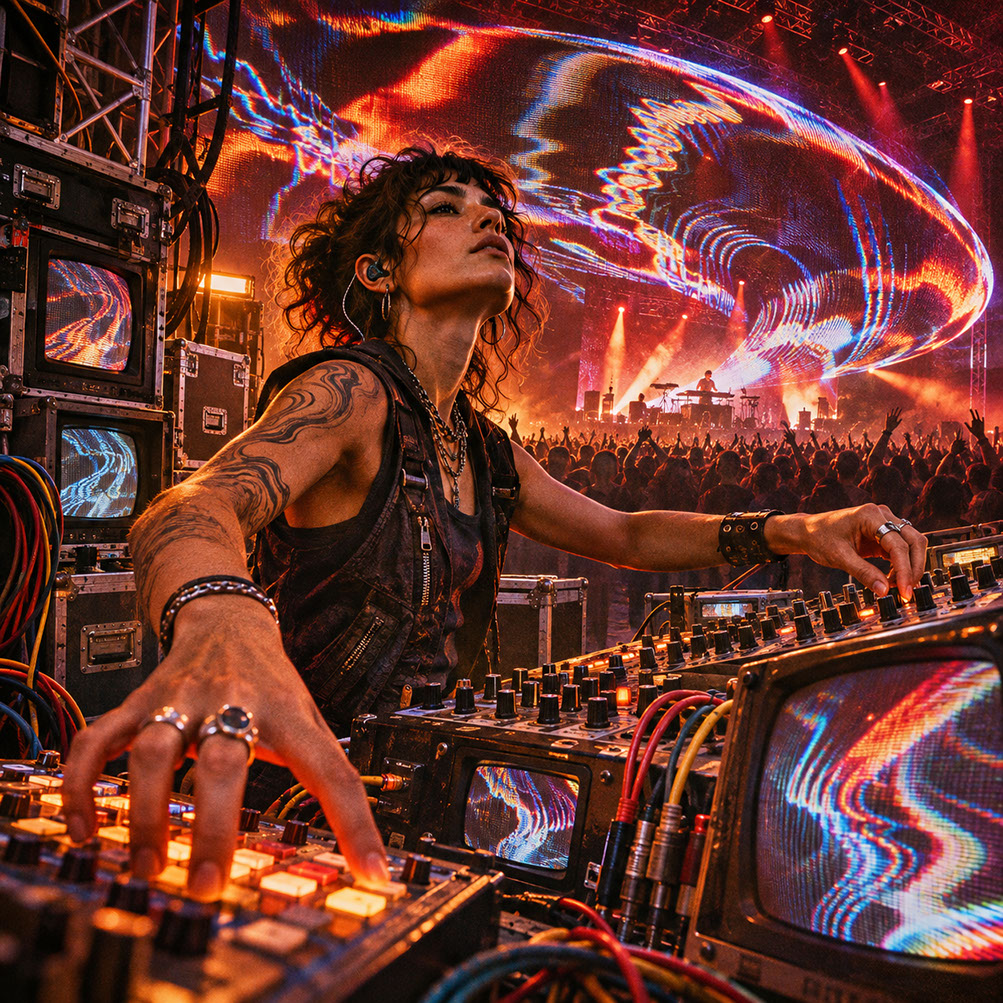
Real-Time Worldbuilding: How Unreal Engine, Notch and Stage Tracking Transform LED Walls into Living Worlds
Discover how Unreal Engine, Notch and stage tracking transform LED walls into responsive worlds for live performance. Learn graceful degradation strategies.
 🔍 COVER PLATE — CLICK TO EXPAND
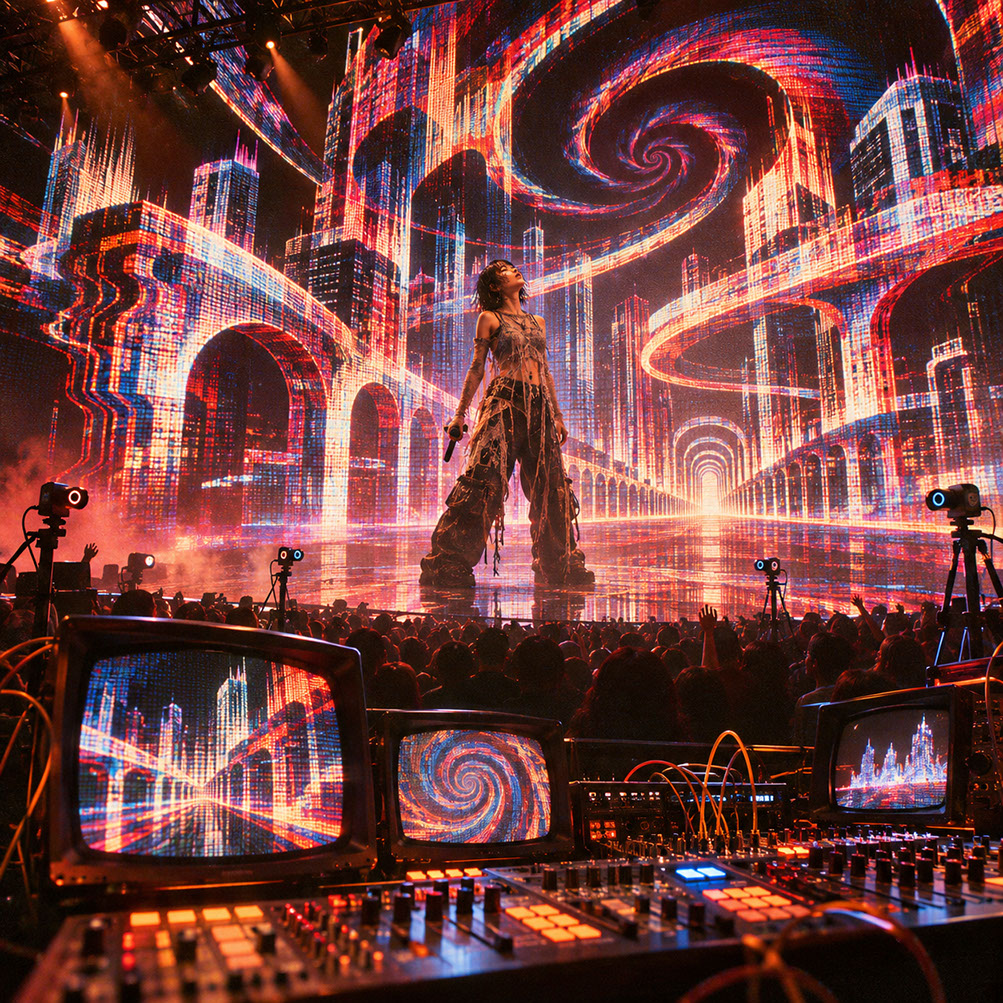
Episode 6 Hero Cover: Replacing flat 2D backdrops with responsive, position-aware 3D worlds powered by Unreal Engine, Notch, and live stage tracking.
Introduction
Picture this: a stadium LED wall displays a towering virtual cityscape that shifts perspective as the camera dollies across the stage. The parallax is perfect, the buildings recede naturally, and the performer appears to stand within the architecture rather than in front of a flat image. The audience gasps—not because they consciously understand the technology, but because something feels unmistakably real about the relationship between performer and environment.
For years, LED walls have functioned as expensive television screens—displaying beautiful but fundamentally static backgrounds that ignore the physical reality of the space. The camera moves, but the world remains frozen. The performer gestures, but the environment takes no notice. This disconnect between physical performance and digital backdrop creates a subtle but persistent artificiality that even casual viewers sense without being able to articulate.
Real-time engines like Unreal Engine and Notch, combined with precise tracking systems, transform LED surfaces from passive displays into responsive environments that understand space, viewpoint, and performer position—creating visual worlds that breathe alongside the live performance.
This post will guide you through camera and performer tracking technologies, Unreal Engine's virtual production ecosystem, the aesthetic spectrum from photorealistic to deliberately artificial, and practical strategies for building systems that maintain essential functionality even under heavy processing load.
 🔍 PLATE 01 — CLICK TO EXPAND
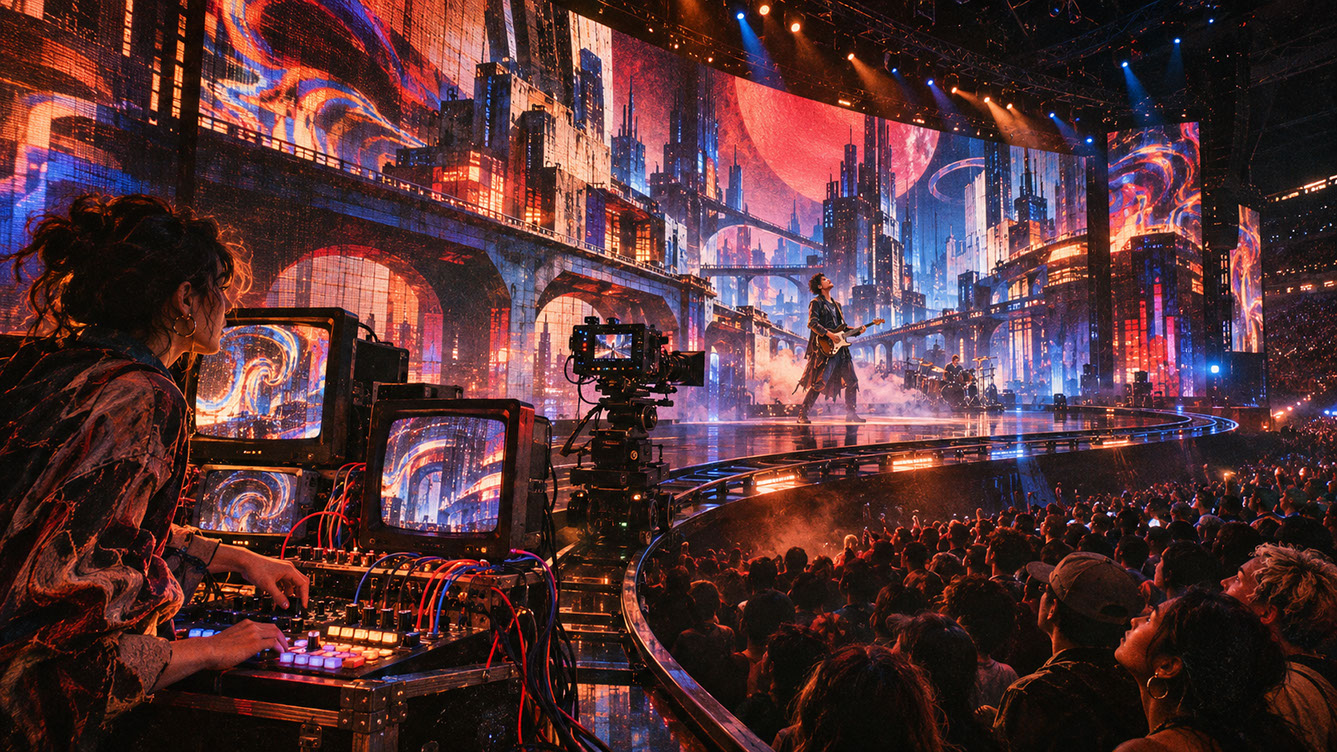
Plate 01 — Introduction — From Flat Pixel Wallpaper to Inhabited, Responsive Stage Worlds: Plate 01 (Introduction): Treating the LED volume not as a flat screen, but as a living spatial extension of the physical stage.
The Why Now? Context: A Perfect Storm of Technologies
The Convergence of Technologies
Several previously separate technologies have matured simultaneously, creating unprecedented possibilities for live visual performance. Unreal Engine now offers robust support for real-time compositing, LED stage workflows, DMX integration, and OSC communication. Virtual production systems developed for film—Live Link, nDisplay, Multi-User Editing, and Remote Control—have become accessible to live performance professionals.
Tracking systems have achieved the precision and latency requirements for convincing real-time perspective correction. Meanwhile, LED processing hardware can now handle the frame rates and colour accuracy required for cinema-grade content. GPU advancements enable visual fidelity that was previously reserved for offline rendering, now delivered at the frame rates live performance demands.
The Conceptual Shift
The fundamental change in thinking moves from rendering backgrounds to rendering responsive worlds. The traditional approach treats LED content as pre-made video files that play regardless of what happens on stage. The new approach treats the LED wall as a window into a virtual environment that exists in three dimensions and responds to real-world inputs.
This shift is not merely technical—it represents a new creative paradigm where the visual environment becomes an active participant in the performance rather than a passive backdrop.
 🔍 PLATE 02 — CLICK TO EXPAND
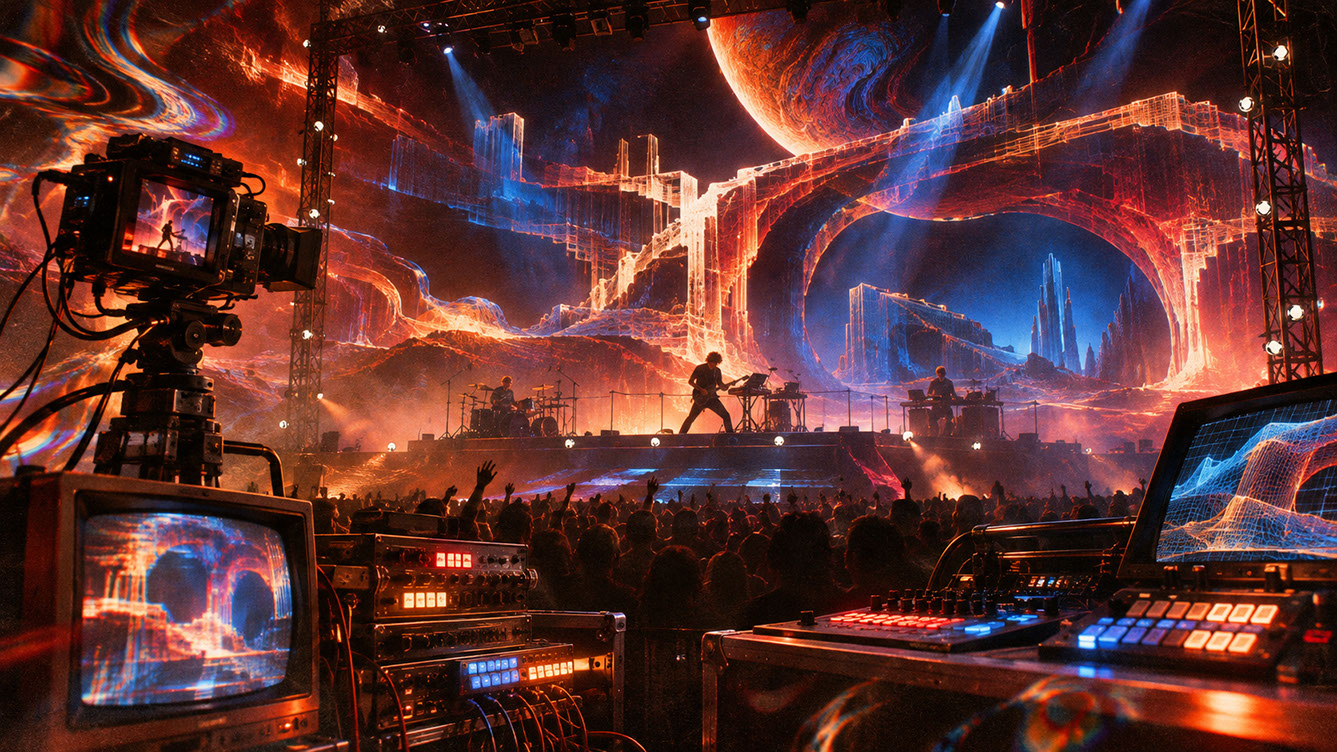
Plate 02 — Why Now — Unreal Engine Lumen, Nanite, nDisplay & Touring Media Server Maturity: Plate 02 (A Perfect Storm of Technologies): How film virtual-production tools matured into road-ready, zero-latency touring stage engines.
Tracking and Position-Awareness: Making the Virtual See the Physical
Camera Tracking Systems
The landscape of tracking technologies for live performance has expanded dramatically. Stype remains a leader in broadcast and live production integration, offering camera tracking that interfaces seamlessly with major media servers and real-time engines. OptiTrack provides marker-based optical tracking with exceptional precision for controlled environments.
Inside-out tracking approaches, where cameras track their own position relative to fixed reference points, offer flexibility for touring productions. The critical specifications you need to evaluate include latency (measured in milliseconds), precision (sub-millimetre for convincing parallax), range (the physical space covered), and reliability (consistency over long show runs).
Performer Position Tracking
Tracking extends beyond cameras to include performer position. IR-based systems can detect performer location with minimal stage hardware. Ultra-Wideband (UWB) tags offer location awareness that integrates with existing lighting or automation tracking infrastructure.
The data requirements matter enormously: what information needs to flow (position, rotation, velocity) and at what rate (typically 60-120 updates per second minimum). Higher update rates enable smoother visual responses, but increase network and processing demands.
The Parallax Relationship
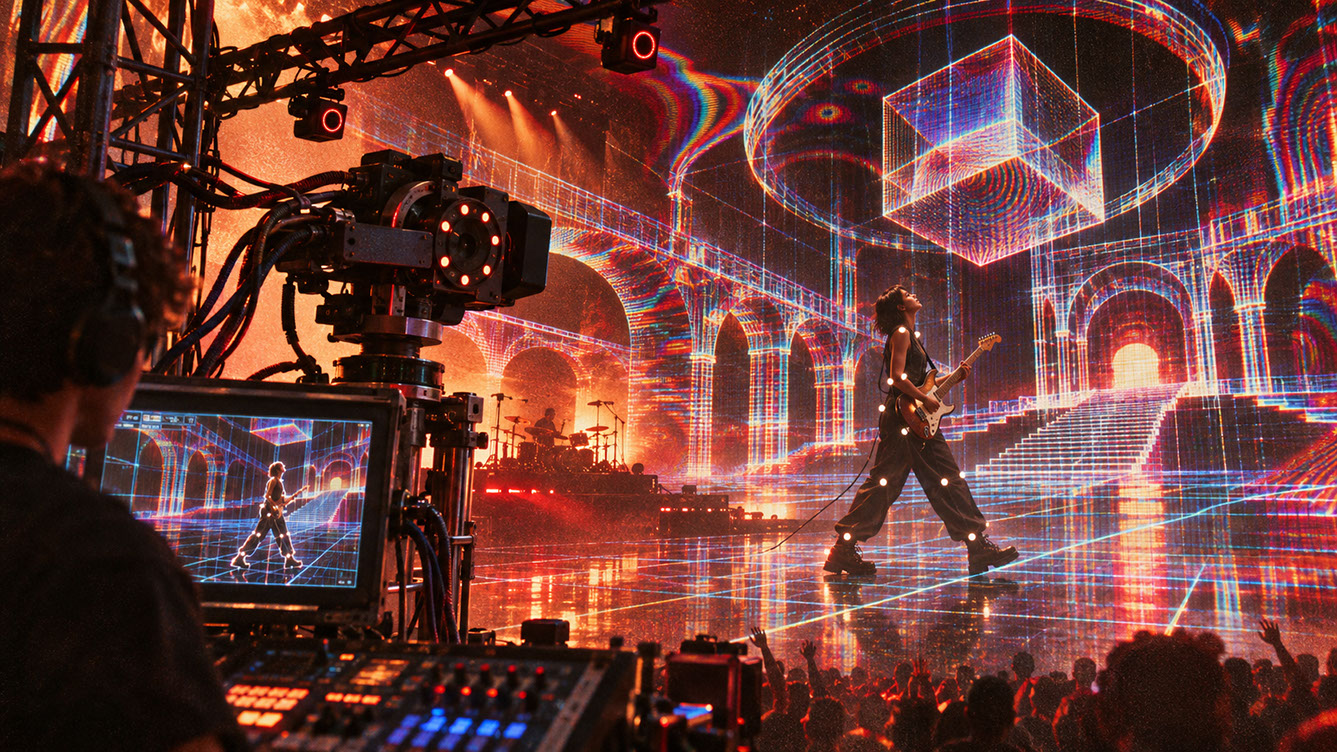
Understanding parallax is fundamental to creating believable perspective. The virtual camera must match physical camera movement precisely—any mismatch creates the unsettling sensation of elements swimming or sliding unnaturally. Frustum calculation determines what portion of the virtual world appears on the physical LED surface, and getting this right is essential for convincing perspective.
Common failure modes include latency-induced swimming (where the virtual world lags behind camera movement), calibration drift (where alignment gradually shifts over time), and scale mismatches (where virtual objects appear the wrong size relative to physical performers).
 🔍 PLATE 03 — CLICK TO EXPAND
Plate 03 — Tracking & Position-Awareness — Camera Frustum Parallax and Performer LiDAR / UWB Tracking: Plate 03 (Tracking & Position-Awareness): Connecting physical camera movement and performer stage coordinates directly to the virtual 3D scene.
Core Tech Stack and Signal Flow
Primary Pipeline
The signal flow for a tracked virtual production setup typically follows this path:
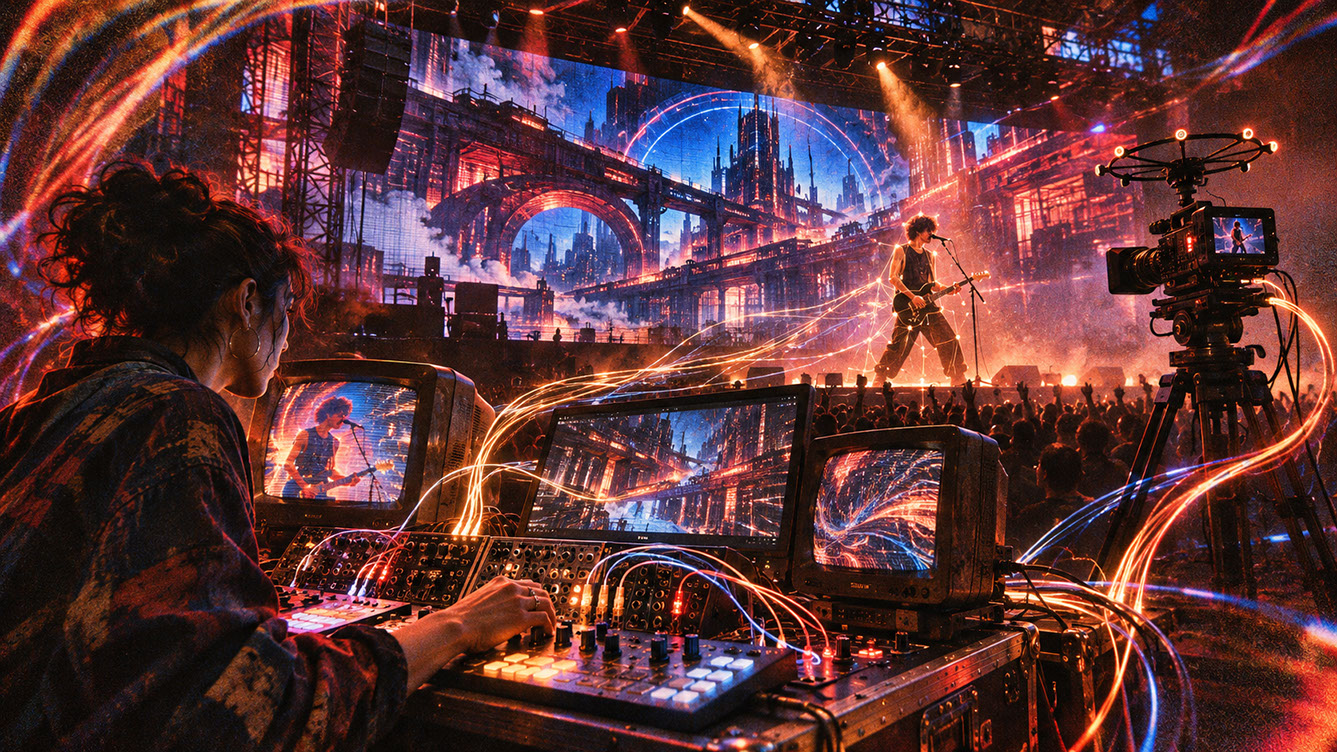
Tracking system → Live Link or appropriate tracking protocol → Unreal Engine or Notch → nDisplay cluster or render nodes → disguise or media server → LED processor
Each stage introduces potential latency, so optimising every connection matters. The entire chain from physical camera movement to updated LED pixels should complete within a single frame time—ideally under 16 milliseconds for 60fps content.
Integration Points
Additional data inputs enrich the virtual world beyond basic tracking. MIDI and OSC protocols can control world parameters such as time of day, weather states, or architectural transformations. DMX enables lighting integration and practical-virtual light matching, where stage lights and virtual environment lighting respond together.
Audio analysis drives particle behaviour, material properties, and atmospheric effects—connecting directly to the audio-reactive techniques we explored in Episode 4. Show control systems handle scene changes, cue triggering, and emergency states, ensuring the visual world responds to the broader production requirements.
Notch vs Unreal: Choosing Your Engine
Notch offers native integration with media servers like disguise and robust real-time procedural tools. Its workflow feels natural to VJs and media server operators accustomed to node-based visual programming.
Unreal Engine brings a vast asset ecosystem, the Blueprint visual scripting system, and extensive virtual production heritage from film applications. Its photorealistic rendering capabilities are unmatched for naturalistic environments.
Many productions use hybrid approaches—perhaps Notch for procedural particle effects and Unreal for architectural environments—combining the strengths of both platforms.
 🔍 PLATE 04 — CLICK TO EXPAND
Plate 04 — Core Tech Stack & Signal Flow — Disguise / Pixera, Unreal nDisplay, Notch Blocks & Art-Net DMX: Plate 04 (Core Tech Stack & Signal Flow): Bidirectional DMX and OSC integration so virtual sunlight and physical moving-head fixtures illuminate as one.
Aesthetic Language and Visual Direction
The Photorealistic Approach
Creating believable, cinematic environments requires deliberate attention to scale. Monumental architecture creates presence and gravitas. Atmospheric perspective—the way distant objects appear hazier and less saturated—provides crucial depth cues.
Physically plausible lighting that responds to performer and camera position sells the illusion of shared space. Material authenticity matters: surfaces should behave like their real-world counterparts under changing light angles. Slow, considered camera movement emphasises weight and space, letting audiences absorb the environment rather than racing past it.
The Deliberately Artificial Approach
The opposite aesthetic direction embraces impossibility. Impossible physics and surreal spatial relationships create dreamlike atmospheres. Graphic, club-oriented identity emerges through stylised materials and bold colour systems with high-contrast visual language.
Geometric abstraction and procedural forms celebrate the digital medium rather than disguising it. This approach embraces artifice rather than hiding it, creating visual languages that could never exist in physical reality.
The Spectrum Between
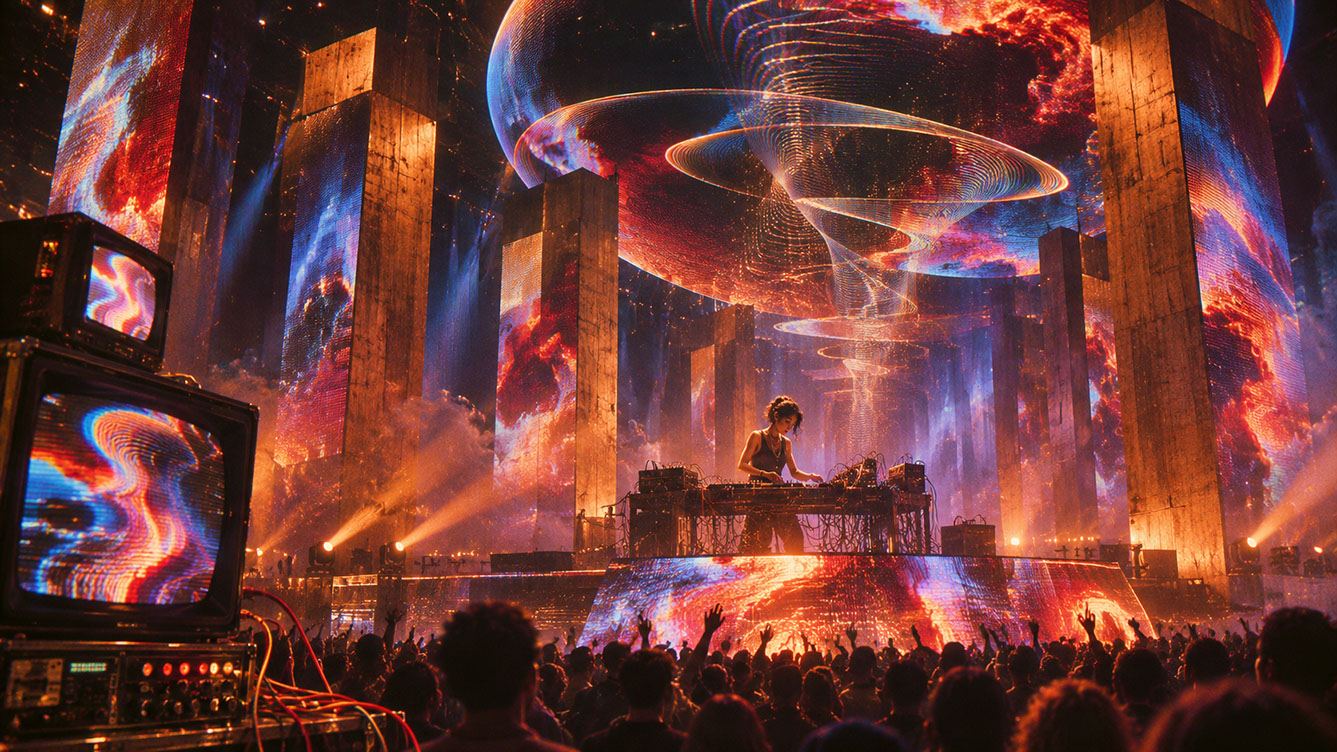
Most successful shows exist somewhere between these poles, often shifting along the spectrum during a performance based on musical intensity, narrative requirements, or audience energy. A single show might move from photorealistic cityscapes to abstract geometric explosions and back again, using the aesthetic shift as an expressive tool.
 🔍 PLATE 05 — CLICK TO EXPAND
Plate 05 — Aesthetic Language — Balancing Photorealistic Architecture With Hyper-Stylised Shader Physics: Plate 05 (Aesthetic Language & Visual Direction): Grounding audiences in believable physical scale before bending the laws of physics at key musical peaks.
Practical Patch Insight: Performance-Critical vs. Decorative Systems
The Hierarchy of Importance
Not all visual elements carry equal weight. Dividing your visual world into tiers enables intelligent resource management:
Critical systems include camera tracking response, performer position awareness, cue logic, safety outputs, and basic scene rendering. These must never fail.
Important systems encompass primary particle effects, main lighting, and key environmental animations. These should degrade gracefully under pressure.
Decorative systems cover background particle detail, secondary animations, atmospheric effects, and distant geometry detail. These can be sacrificed temporarily without breaking the show.
Graceful Degradation Strategy
Design systems that shed load intelligently rather than failing catastrophically. Monitor frame time and GPU load in real-time, implementing automatic Level of Detail (LOD) adjustment based on performance metrics.
Temporarily disable decorative systems when processing demands exceed capacity. Ensure critical systems remain stable regardless of overall load. Create visible-to-operator indicators when degradation is active, so your team knows the system is protecting itself.
Testing Under Pressure
Deliberately overload systems during rehearsal to verify that degradation behaves correctly. Push your rig beyond its limits in controlled conditions, confirming that critical functionality is preserved when decorative elements drop away. This stress testing reveals weaknesses before they become show-stopping failures.
 🔍 PLATE 06 — CLICK TO EXPAND
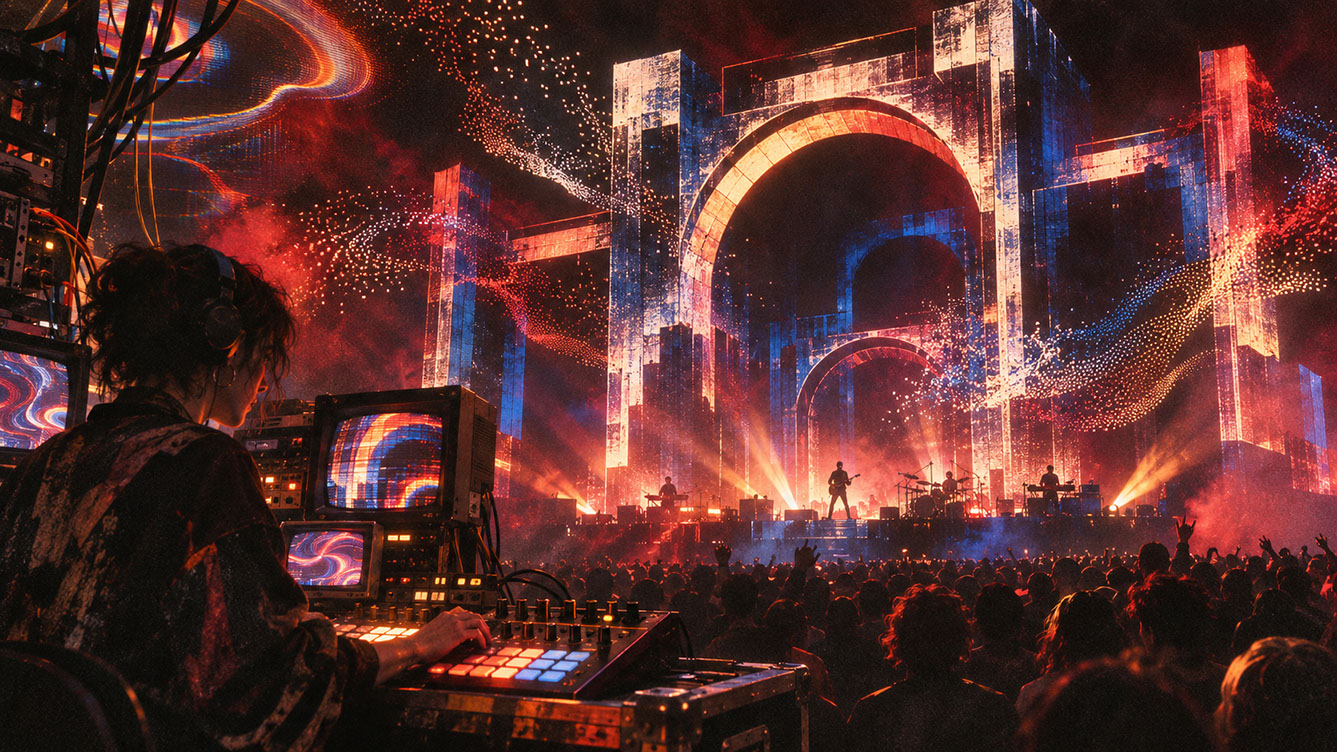
Plate 06 — Practical Patch Insight — Performance-Critical Hierarchy & Graceful GPU Degradation: Plate 06 (Performance-Critical vs. Decorative Systems): Engineering automatic quality tiering so complex 3D worlds never drop frames mid-show.
Cross-Disciplinary Bridge: Skills Translation
For VJs
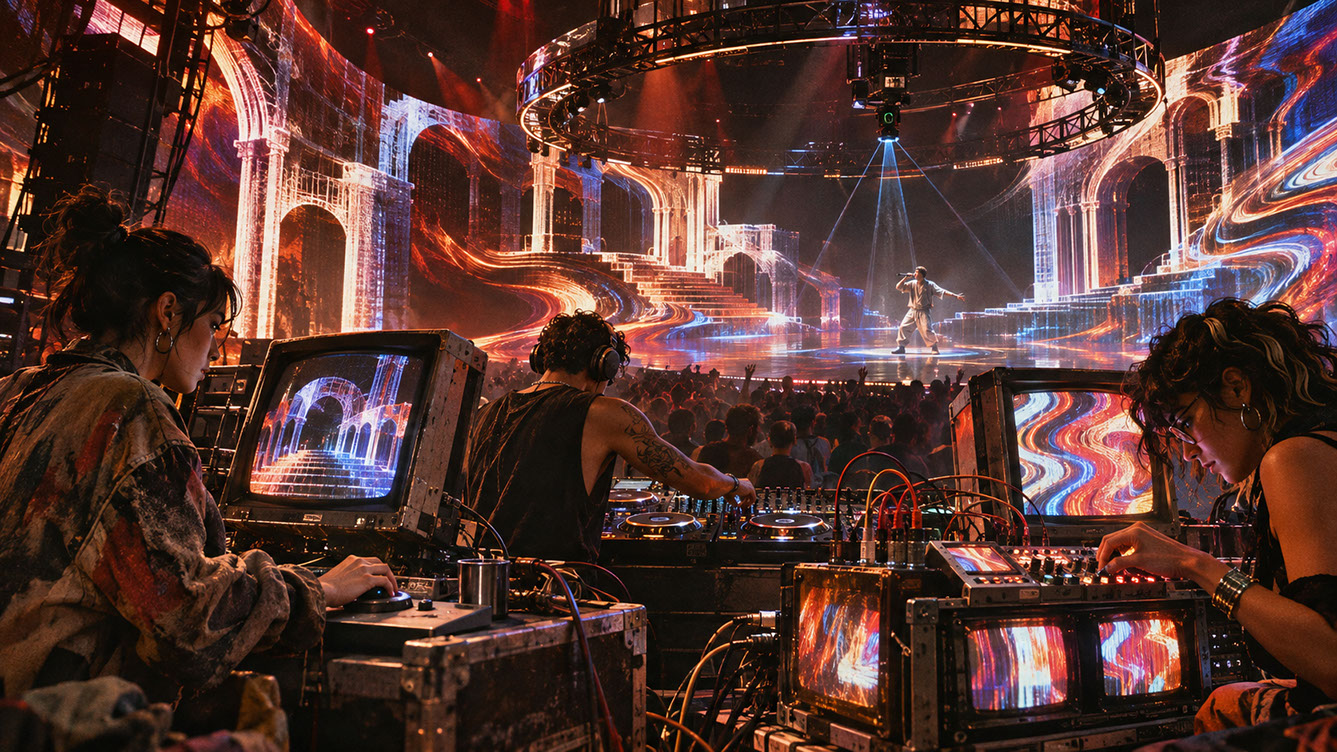
The transition from layer-based compositing (Resolume, VDMX) to scene-based thinking requires understanding 3D space and camera as fundamental concepts. You are moving from stacking 2D layers to navigating 3D environments. New control paradigms emerge: manipulating world parameters rather than clip properties.
For Unreal Artists
Game and film artists must develop live performance skills including live cueing and show control integration, signal routing and network protocols, operator ergonomics and interface design, and understanding the differences between rendered and real-time workflows where every frame must complete on time.
For DJs and Musicians
Performers can influence virtual worlds without operating the engine directly. OSC and MIDI control of environment states allows musical decisions to reshape the visual world. Mapping musical structure to world changes creates tight audio-visual relationships. Collaborative workflows with visual operators become essential conversations.
 🔍 PLATE 07 — CLICK TO EXPAND
Plate 07 — Cross-Disciplinary Bridge — How VJs, Unreal Technical Artists & Lighting Directors Collaborate: Plate 07 (Cross-Disciplinary Bridge): Exposing Blueprint and Notch parameters to tactile VJ faders for live musical improvisation.
Conclusion
Tracking transforms passive displays into responsive environments. Real-time engines offer both photorealistic and stylised possibilities. Performance-critical systems must be protected whilst decorative elements gracefully degrade under load.
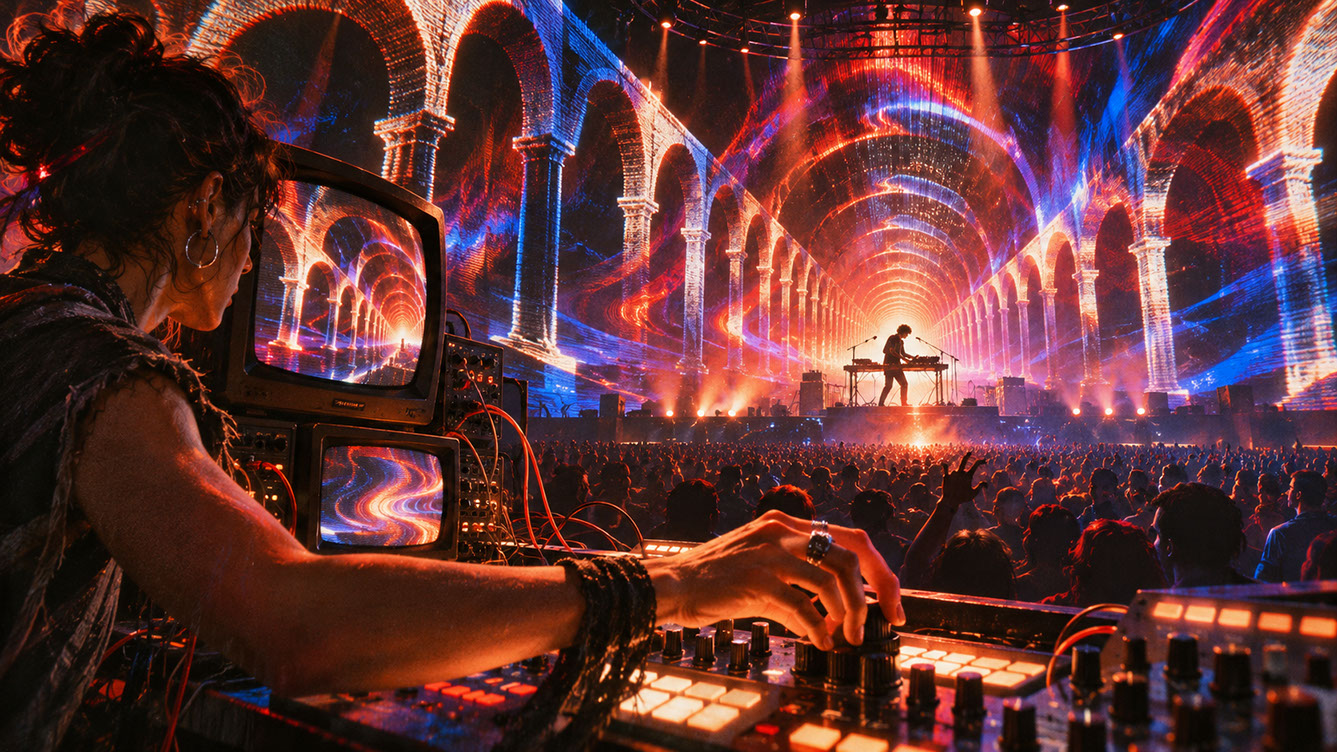
These responsive worlds are the environment in which all the technologies discussed in previous episodes—generative systems, AI inference, audio reactivity, volumetric content—come together to create cohesive visual experiences. The LED wall is no longer just a screen; it is a window into living worlds that respond to everything happening in physical space.
A world still needs architecture. The next chapter examines the physical structures—scrims, transparent displays, and kinetic surfaces—that make live scenography three-dimensional.
 🔍 PLATE 08 — CLICK TO EXPAND
Plate 08 — Conclusion — The Stage Reimagined as a Living, Breathing Architectural Ecosystem: Plate 08 (Conclusion): Real-time worldbuilding dissolving the boundary between stage set and infinite virtual horizon.
⚡ 5 Strategies to Consider
STUDIO PLAYBOOK // 5 DIRECTIVES❓ Frequently Asked Questions — 5 Q&As (5 Q&As)
SCHEMA.ORG/FAQPAGE // 5 Q&As (5 Q&As)Q1. Do I need expensive tracking hardware for basic responsive environments?
Not necessarily. You can achieve meaningful responsiveness with simpler position detection methods or manual camera preset systems. Basic tracking setups using consumer-grade hardware can provide position awareness sufficient for subtle parallax effects. As budgets allow, you can upgrade to precision systems like Stype or OptiTrack for cinema-grade accuracy.
Q2. How much latency is acceptable between tracking and visual response?
The threshold where latency becomes perceptible typically sits around 30-40 milliseconds for most viewers. However, for convincing parallax that matches broadcast camera movement, you should target under 16 milliseconds—a single frame at 60fps. Higher latency creates a swimming or floating sensation that breaks the illusion of shared physical-virtual space.
Q3. Can I run Unreal Engine reliably for a full touring schedule?
Yes, with proper preparation. Touring configurations differ significantly from development setups. You need redundant render nodes, tested failover systems, and stable project versions locked before tour departure. Many productions run Unreal successfully across dozens of shows, but this requires thorough stress testing and operator training.
Q4. What happens if tracking fails mid-performance?
Well-designed systems include fallback strategies. When tracking fails, the system should automatically switch to static camera presets that approximate common camera positions. Simplified scenes with reduced parallax requirements can mask the loss of tracking. Automatic bypass systems should enable the show to continue with static backgrounds rather than failing completely.
Q5. Should I choose Notch or Unreal Engine for live visual production?
The choice depends on your workflow and requirements. Notch offers native integration with media servers like disguise and excels at procedural, generative effects familiar to VJs. Unreal provides superior photorealistic rendering and vast asset libraries. Many productions use both in hybrid configurations, leveraging each platform's strengths.
EXPLORE RELATED STUDIO TAGS (6):
Glad this piece sparked something — want the matching 4096×4096px .ZIP pack?
Enter your email below for an instant direct download of Studio Seamless Pattern Pack — Drop 01 (WPAY_DROP01.zip) plus new Studio Journal essays & free drops.