
Play the Screen Like an Instrument: The Touring VJ's 2027 Performance System for Bulletproof Live Visuals
Discover how touring VJs build bulletproof performance systems with failover architecture, controller design principles, and crowd-reading techniques for 2027.
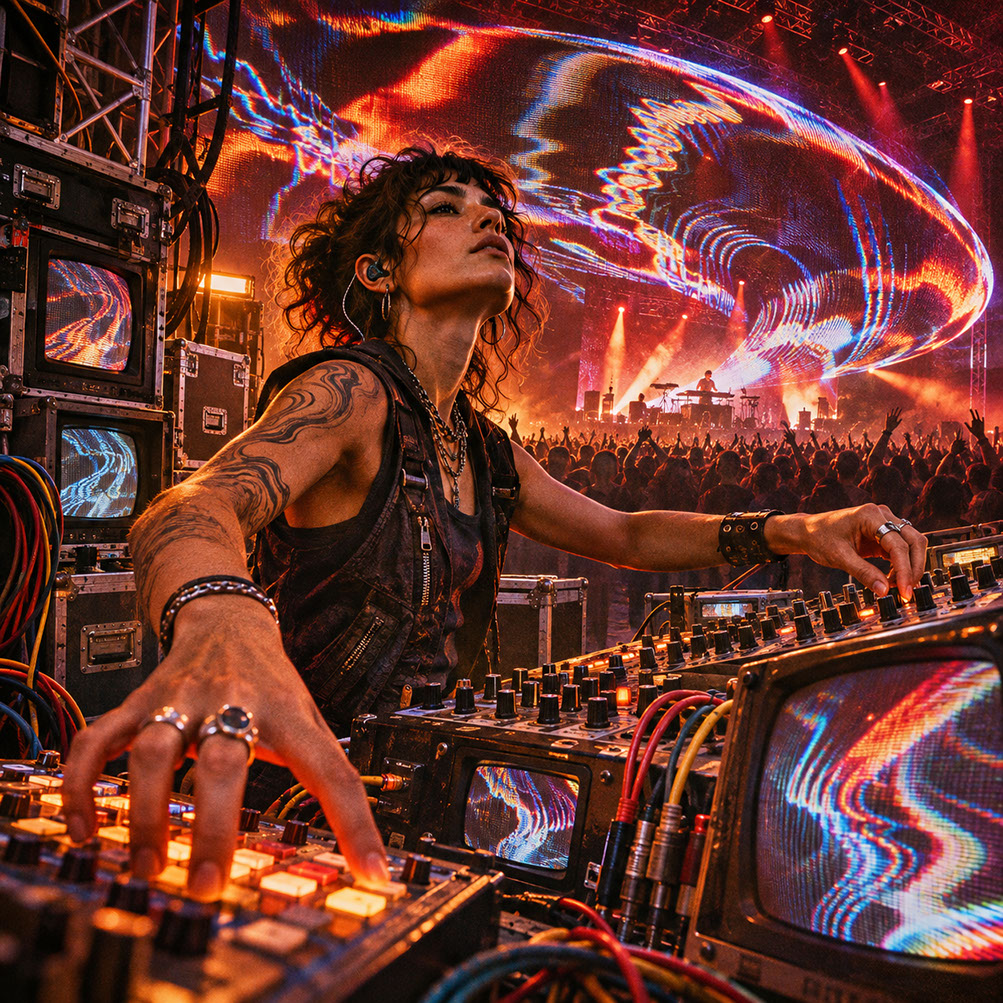 🔍 COVER PLATE — CLICK TO EXPAND
Episode 8 Hero Cover: Combining bulletproof redundant engineering with expressive, instrument-grade human playability on tour.
The most impressive visual performances in 2027 will not come from the most complicated rigs. They will come from systems an artist can trust whilst improvising under pressure. Throughout this series, we have explored generative systems, neural inference, analogue hardware, advanced audio-reactive techniques, spatial computing, real-time engines, and scenographic surfaces. Each technology expands creative possibility—and each adds potential failure points to the touring setup.
The modern touring VJ now manages generative engines, tracking systems, audio analysis, LED processors, network transport, and fallback media simultaneously. Without deliberate system design, this complexity overwhelms rather than empowers the performer. This concluding episode brings the series full circle, returning the human performer to the centre of increasingly complex technology.
The goal is not eliminating technology but designing it to disappear during performance—leaving you free to read the room, respond to the music, and create moments that matter.
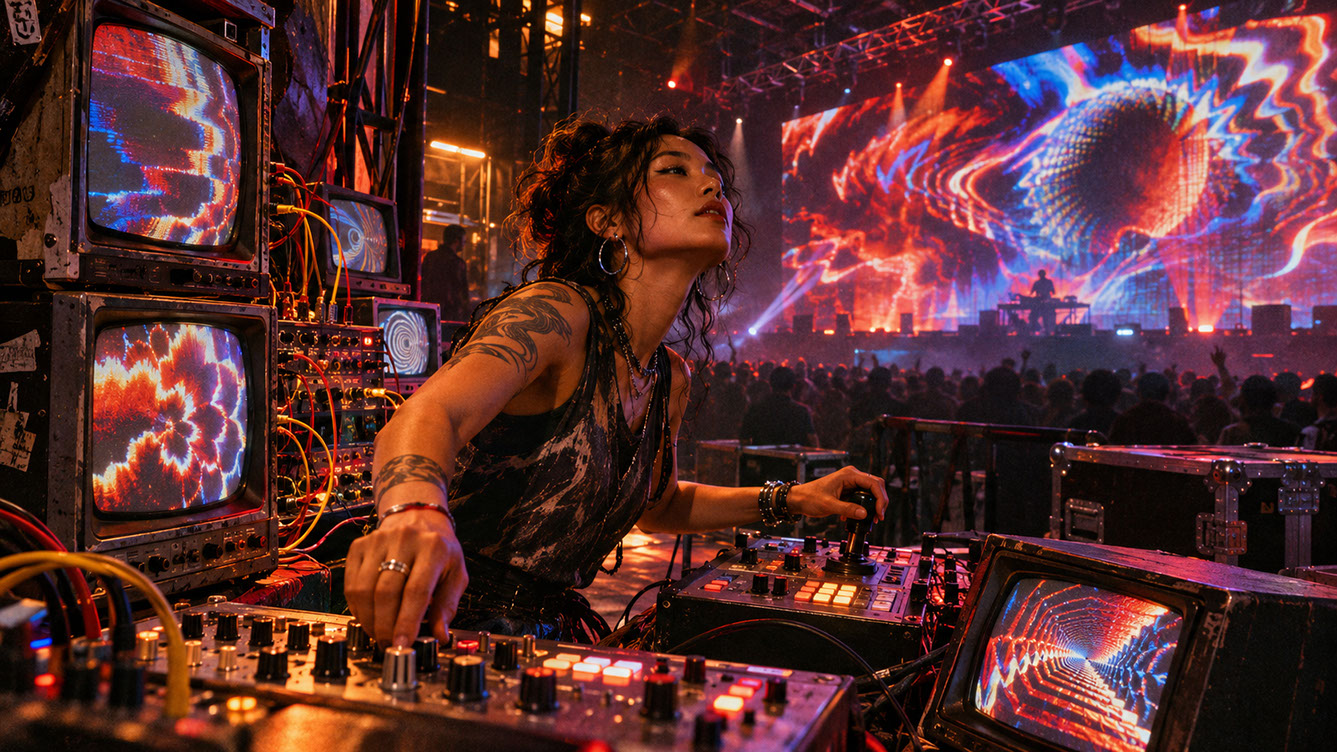 🔍 PLATE 01 — CLICK TO EXPAND
Plate 01 — Introduction — Synthesizing All Eight Shifts into a Cohesive Touring Performance System: Plate 01 (Introduction): Where generative systems, neural canvases, tactile hardware, and spatial stages converge under the hands of a calm, prepared human performer.
More Systems, More Connections, More Responsibility
The convergence of technologies from previous episodes creates unprecedented creative possibility. Yet each connected system introduces potential failure points that multiply rather than add. Touring environments are inherently unpredictable: different venues, power supplies, network conditions, and production teams present fresh challenges every night.
The performer must maintain artistic presence whilst managing technical complexity. The shift from asking 'can this work?' to 'can this work reliably night after night?' represents the maturation of our discipline. Technology should create more room for human decisions, not remove the human performer. The systems we build must serve improvisation, not demand constant babysitting.
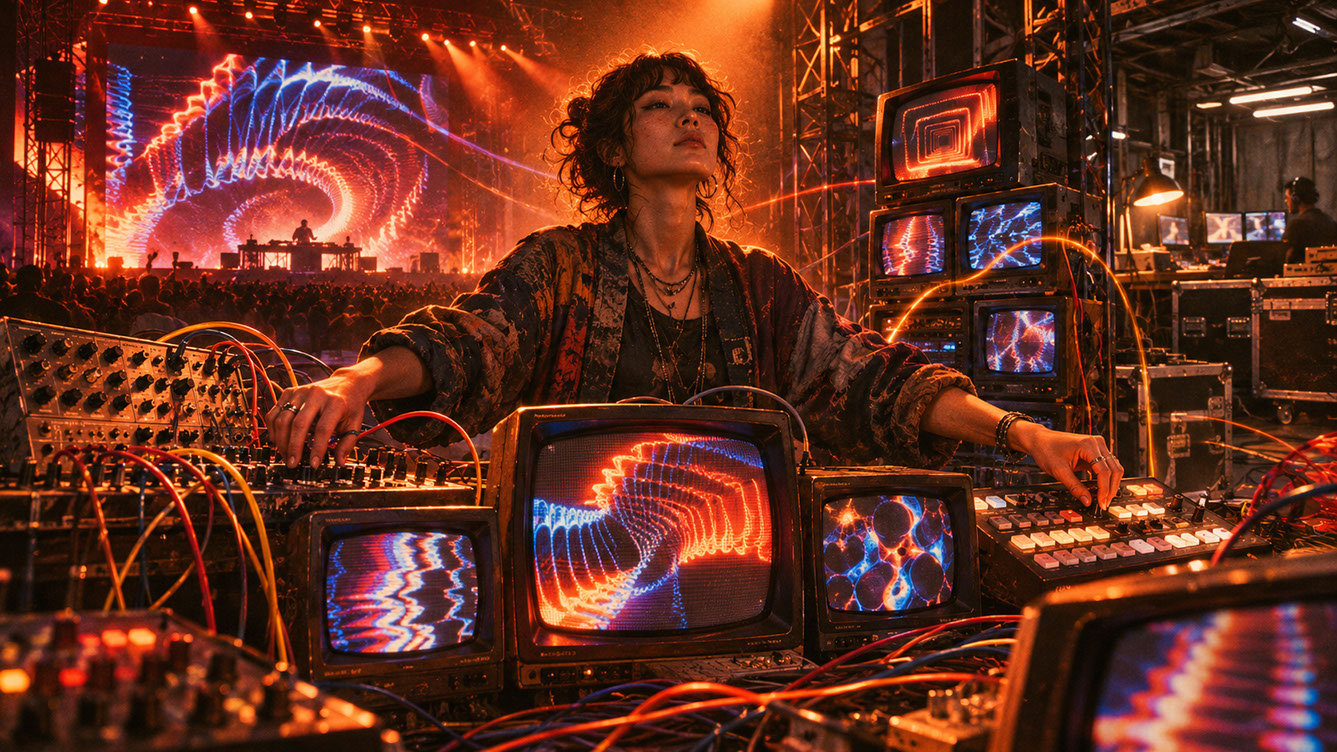 🔍 PLATE 02 — CLICK TO EXPAND
Plate 02 — More Systems, More Connections, More Responsibility — Managing Show Complexity Under Pressure: Plate 02 (More Systems, More Responsibility): Why interconnected 2027 rigs demand disciplined systems engineering so the artist stays focused on the show.
Network and Signal Reliability: NDI, SDI, and Spout
Choosing the right signal path is fundamental to building a bulletproof touring rig. Let us examine the three primary options and when each makes sense.
NDI Reliable UDP Explained
NDI Reliable UDP combines UDP's low-latency characteristics with TCP-like reliability mechanisms. This makes it useful for multi-machine setups where dedicated SDI cabling is impractical. However, it still requires proper network design: dedicated switches, correct MTU settings, and thorough testing under load.
Critically, NDI is not a replacement for local backups. Network issues affect all NDI streams simultaneously, so you need independent fallback provisions that do not rely on network transport.
SDI Decision Points
SDI offers hardware-based reliability independent of operating system or network. It provides fixed bandwidth, predictable latency, and no configuration dependencies. This makes it ideal for critical output paths and broadcast environments where failure is simply not acceptable.
The trade-offs are cost and cabling complexity. SDI requires dedicated infrastructure and cables that can be cumbersome for smaller productions. But for your final output path to the LED processor, the reliability is worth the investment.
Spout for Local GPU Texture Sharing
Spout provides zero-copy texture sharing between applications on the same machine. It eliminates encoding and decoding overhead entirely, making it perfect for connecting TouchDesigner to Resolume on one system. The limitation is clear: Spout cannot traverse network boundaries. It is local only.
The Decision Framework
Use Spout for local inter-application communication where speed matters most. Use SDI for critical output paths where reliability is paramount. Use NDI for flexible multi-machine distribution when proper network infrastructure exists and you have appropriate fallback provisions in place.
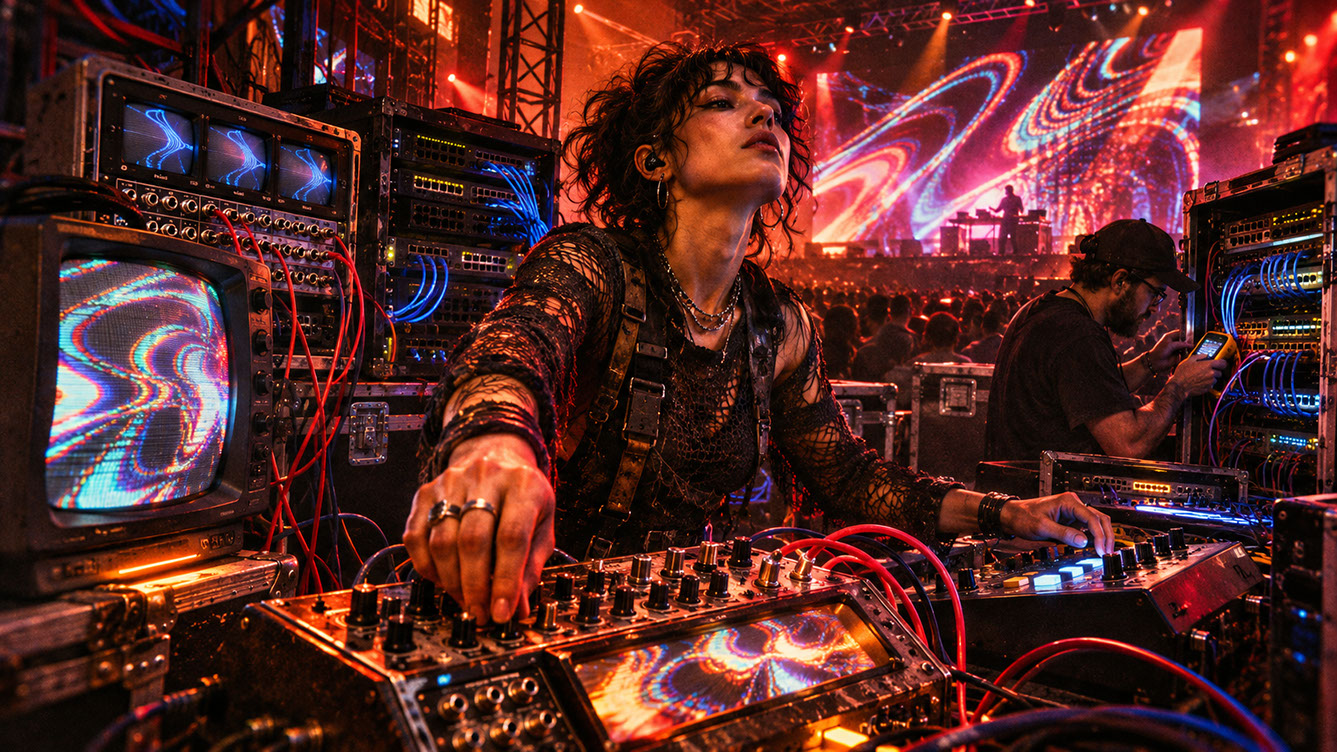 🔍 PLATE 03 — CLICK TO EXPAND
Plate 03 — Network & Signal Reliability — Choosing Between 12G-SDI, Managed NDI VLANs & Local GPU Spout: Plate 03 (Network & Signal Reliability): Deploying Spout inside the workstation, managed NDI across the booth, and locking SDI for long-haul FOH-to-stage runs.
Redundancy and Failover Architecture
Designing for the moment everything goes wrong is not pessimism—it is professionalism. Here is the touring failover checklist that will save your show.
First, maintain a secondary playback machine or render path ready to take over within seconds. Second, duplicate all critical media on separate storage devices, ideally on physically different machines. Third, build and test a bypass around experimental AI systems that can freeze or produce unexpected results. Fourth, implement local monitoring of frame rate, signal presence, and GPU temperature. Fifth, establish clear communication protocols with production teams for escalation.
Architecture Principles
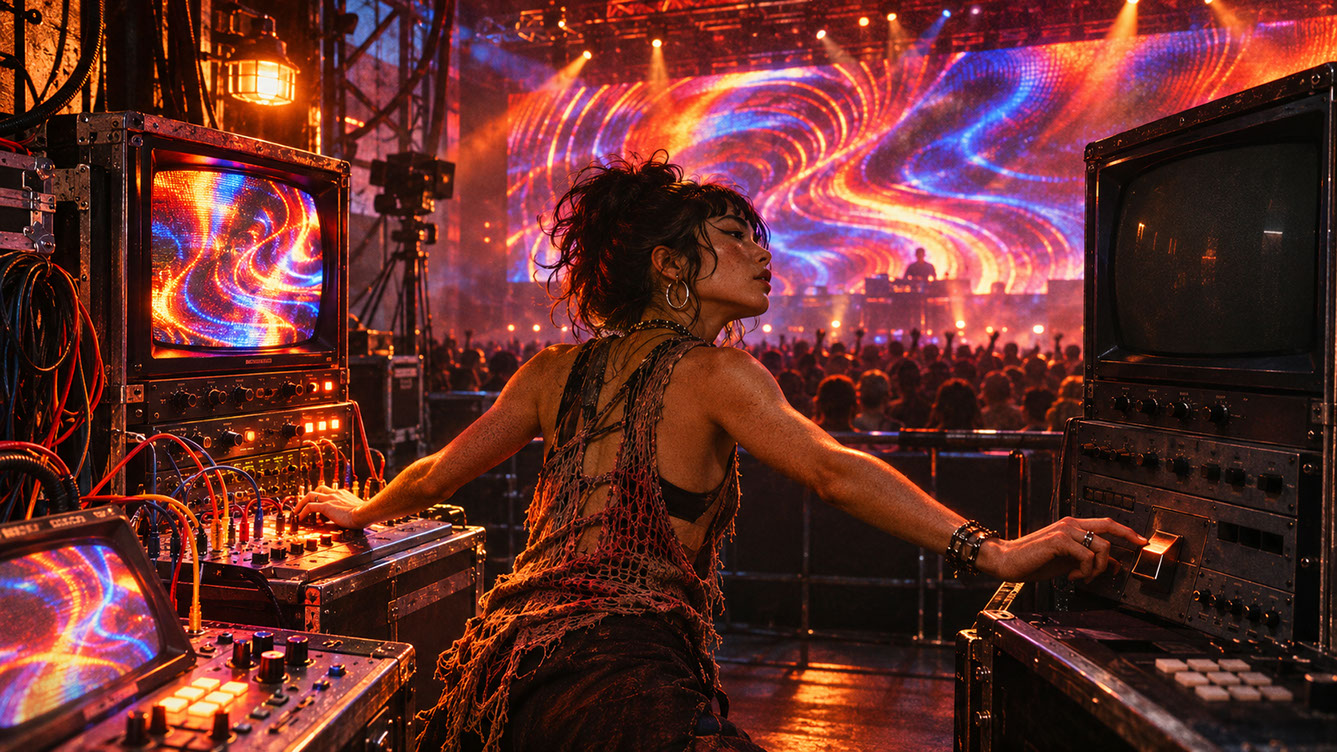
Never make neural inference or generative systems the only output path. Always maintain a permanent procedural or pre-rendered bypass layer that can take over instantly. Build watchdog systems that detect frozen frames, missing textures, or excessive processing time. Design automatic switching to safety layers upon failure detection.
The mindset is straightforward: treat every experimental technology as something that will fail at some point. The question is not whether, but when—and whether your system responds gracefully or catastrophically.
 🔍 PLATE 04 — CLICK TO EXPAND
Plate 04 — Redundancy & Failover Architecture — Primary/Backup Servers, Hardware Switchers & UPS Power: Plate 04 (Redundancy & Failover Architecture): Eliminating single points of failure so audience members never see a desktop crash or black screen.
Controller Design Principles: One Control, One Meaningful Decision
A large MIDI controller covered in unlabelled faders creates cognitive load during performance. Under pressure, with strobing lights and loud music, you need immediate clarity about what each control does.
The one-control principle is simple: map one physical control to one meaningful creative decision. Eight clearly labelled controls outperform sixty-four obscure parameters every single time.
The Essential Controls Framework
Consider organising your controller around these eight fundamental creative decisions:
Intensity controls overall visual energy and brightness—your master output level. Density adjusts particle count, geometric complexity, or visual busyness. Colour shifts temperature or palette selection across your visual vocabulary. Camera handles virtual camera movement or position in 3D environments. Texture selects source material or style variations. Feedback controls recursive effect amount and visual echo. Scene switches compositional states or presets. Emergency Bypass provides immediate switching to your safety layer.
Every control should be clearly labelled with glow tape or permanent marking. In a dark booth with strobing lights, you cannot afford to guess which fader does what.
 🔍 PLATE 05 — CLICK TO EXPAND
Plate 05 — Controller Design Principles — 'One Control, One Meaningful Decision' Ergonomic Layout: Plate 05 (Controller Design Principles): Designing blind-operable hardware surfaces where every fader and knob maps to a clear artistic macro.
Failure Rehearsal Techniques
Most performers avoid thinking about failure. Elite touring VJs deliberately rehearse it.
Failure Scenarios to Practise
Disconnect your network mid-performance and time your recovery. Stop your AI inference process suddenly and switch to backup. Remove the audio feed and observe what your visual system does. Switch to your backup machine under time pressure. Recover from a frozen application whilst maintaining output.
The Rehearsal Protocol
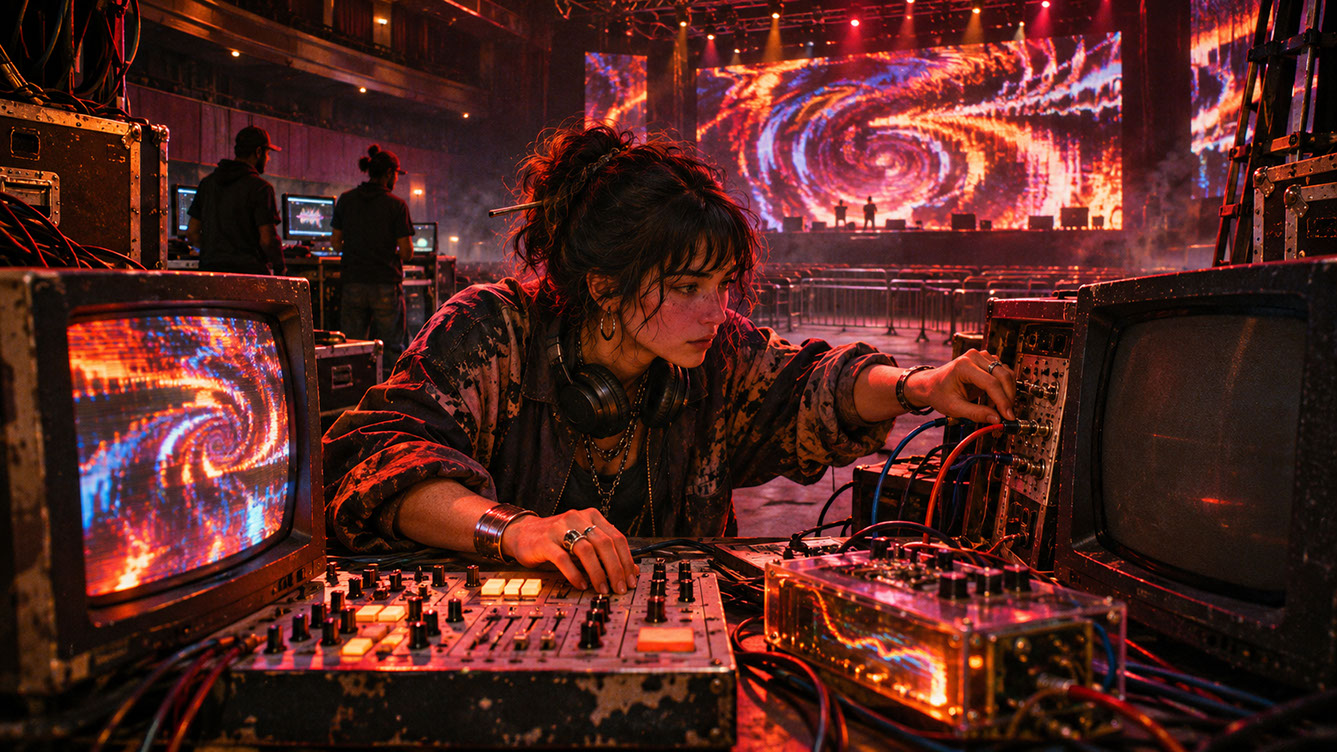
Run through your show normally. At random points, introduce a specific failure. Time your recovery response carefully. Identify bottlenecks and unclear procedures. Refine until switching becomes automatic muscle memory.
The goal is becoming the operator who has practised the response, not the one who avoids failure until it arrives at the worst possible moment. Create a single-page failure response guide and keep it visible. Under pressure, you will not remember complex procedures.
 🔍 PLATE 06 — CLICK TO EXPAND
Plate 06 — Failure Rehearsal Techniques — Practicing Unannounced Cable Pulls & GPU Recovery in Studio: Plate 06 (Failure Rehearsal Techniques): Building calm muscle memory by intentionally breaking signals during pre-tour rehearsals.
Reading and Responding to Live Environments
Audio-reactive systems respond to sound. Human performers respond to the room—the energy, the density, the collective mood that no algorithm can fully measure.
Reading Techniques
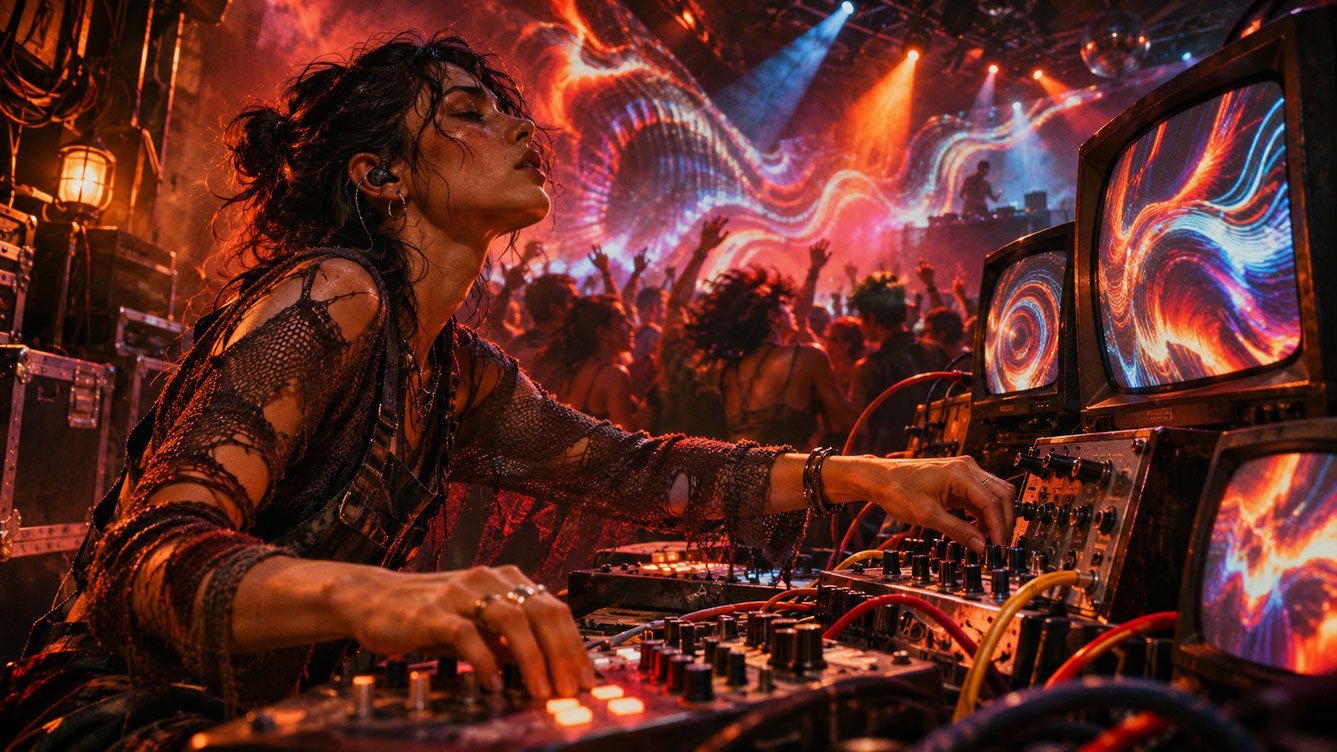
Watch the front rows—their engagement signals overall energy levels. Monitor the transitions and observe whether people respond to visual changes. Feel the density, as packed crowds respond differently from sparse ones. Track the arc of energy as it builds and releases over a set.
Response Vocabulary
When building tension, increase density gradually and restrict your colour palette. For release moments, use sudden expansion, colour shifts, and camera movement. When maintaining energy, employ steady reactive systems with subtle variation. To create contrast, use deliberate visual silence before impact moments.
Communication with musicians matters enormously. Establish simple signals with DJs or performers. A nod, a hand gesture, or pre-agreed moments create coordinated visual-musical events that feel magical to audiences.
 🔍 PLATE 07 — CLICK TO EXPAND
Plate 07 — Reading & Responding to Live Environments — Eyes Up on the Crowd, Not Buried in Monitors: Plate 07 (Reading & Responding to Live Environments): Pacing brightness, negative space, and visual density in real-time dialogue with the room.
Aesthetic Language for Improvisation
Improvisation does not mean random choices. It means having a vocabulary of visual behaviours ready to deploy based on musical and environmental cues.
Building Your Repertoire
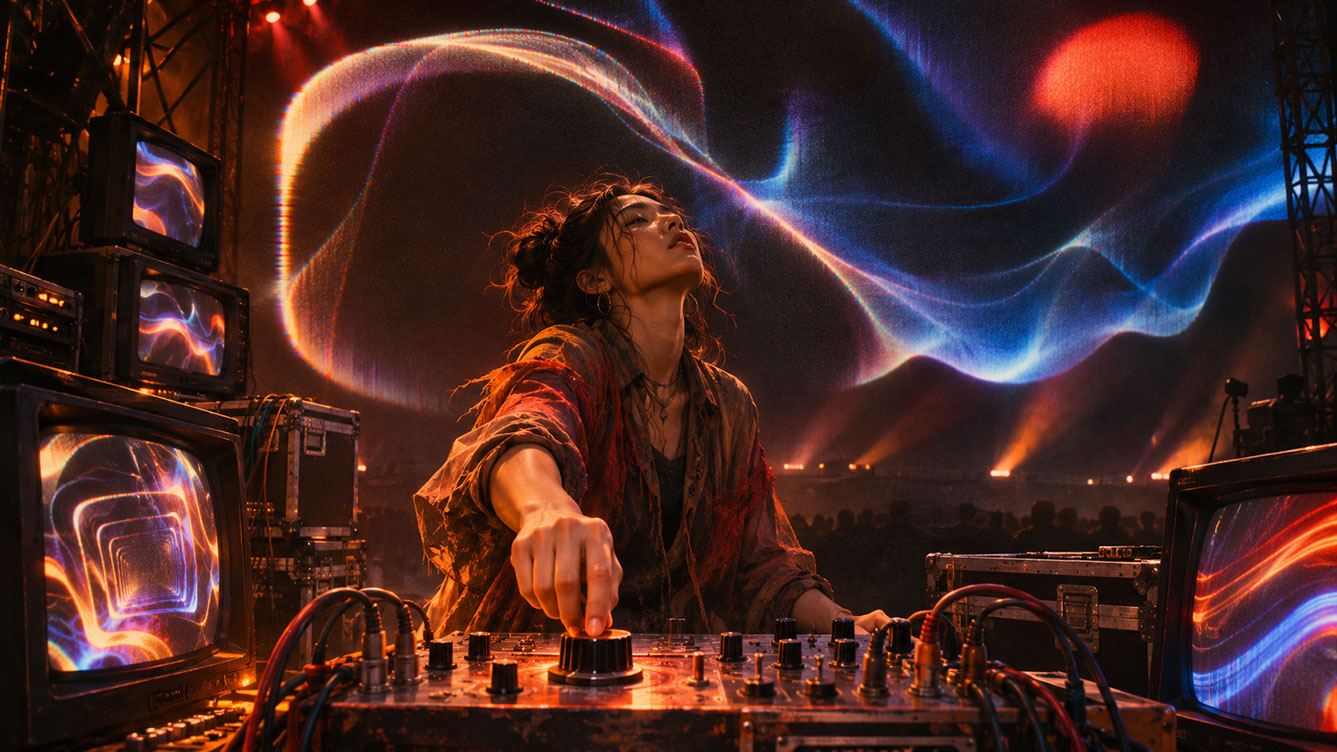
Develop tension behaviours using constrained movement, narrow colour range, and building density. Create release behaviours with sudden expansion, colour explosion, and camera shifts. Build density behaviours using particle systems and geometric multiplication. Prepare silence behaviours with negative space, slow fades, and stillness. Design impact behaviours with flash, displacement, and hard cuts. Develop transition behaviours using morphing, crossfading, and spatial movement.
Prepare your visual vocabulary thoroughly. Then forget about it during performance and respond instinctively. The preparation becomes invisible but essential.
 🔍 PLATE 08 — CLICK TO EXPAND
Plate 08 — Aesthetic Language for Improvisation — Curated Palette Guardrails & Modular Visual Motifs: Plate 08 (Aesthetic Language for Improvisation): Establishing tight stylistic guardrails so spontaneous on-stage jams always look cohesive.
Core Tech Stack and Signal Flow
The complete touring signal path typically flows as follows: Audio and show control feeds into Ableton Link, MIDI, or OSC. This drives your visual engine—TouchDesigner, Notch, or Resolume. Internal processing uses Spout or direct GPU texture sharing. Distribution happens via NDI or SDI. Finally, signal reaches your media server and LED or projection processor.
Monitoring Layer
Implement frame rate monitoring on all render outputs. Add signal presence detection on critical paths. Monitor temperature on GPUs and capture cards. Analyse network traffic on NDI streams.
Emergency Path
Maintain a direct bypass from safety media to output. Ensure single-button activation. Remove all dependencies on potentially failed systems.
Documentation Requirements
Create a signal flow diagram for every touring setup. Record IP addresses and network configuration. Keep contact information for production teams readily accessible. Document known issues and workarounds for specific venues.
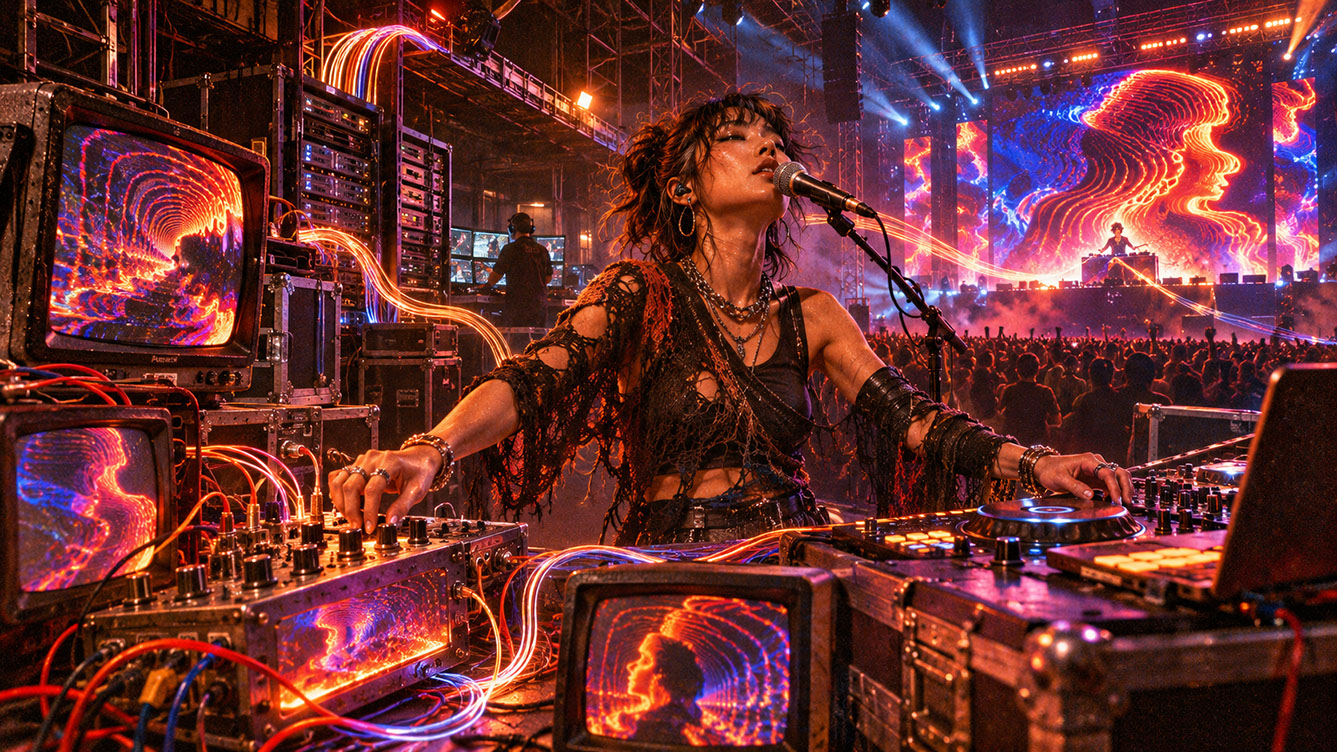 🔍 PLATE 09 — CLICK TO EXPAND
Plate 09 — Core Tech Stack & Signal Flow — Telemetry HUD, Main/Backup Paths & Laminated Signal Diagrams: Plate 09 (Core Tech Stack & Signal Flow): Combining real-time health telemetry with clear physical signal documentation at front of house.
Cross-Disciplinary Integration
The strongest touring VJs combine artistic sensibility with engineering knowledge. Neither alone is sufficient.
From DJs, learn phrasing, anticipation, and reading crowd energy. Understand how musical tension and release translate to visual decisions. From motion designers, bring composition principles, timing sensibility, and visual hierarchy. Translate offline design knowledge into real-time performance vocabulary. From live musicians, understand rehearsal discipline, stage presence, and the relationship between preparation and spontaneity.
The performance lives in the intersection of these disciplines.
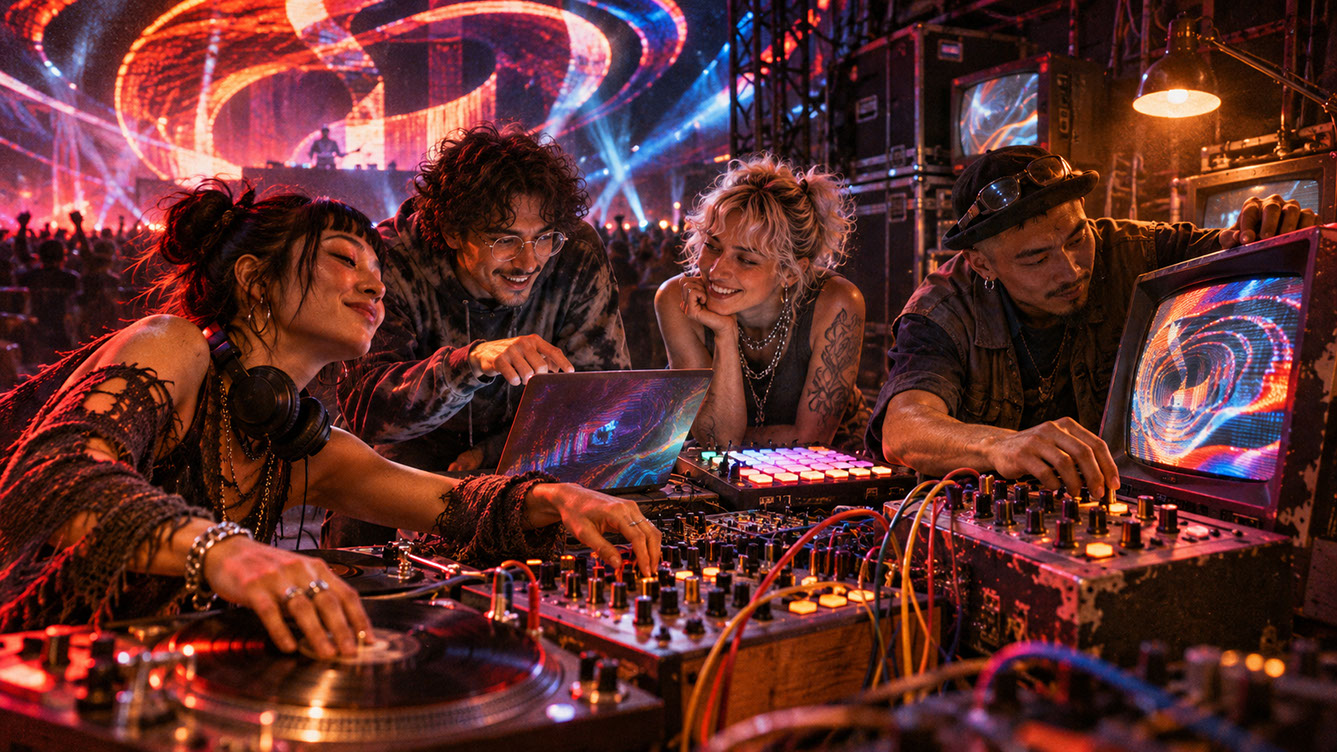 🔍 PLATE 10 — CLICK TO EXPAND
Plate 10 — Cross-Disciplinary Integration — Synchronised Show Control Between VJ, LD, Audio & Lasers: Plate 10 (Cross-Disciplinary Integration): Shared colour schedules, timecode/Link sync, and clear show-calling across video, lighting, and sound.
The Human at the Centre
Building bulletproof touring systems is not about eliminating human involvement. It is about freeing the human performer to focus on what matters: reading the room, responding to music, and creating moments that connect with audiences.
Throughout this series, we have explored generative systems, neural inference, analogue chaos, audio-reactive depth, spatial computing, real-time engines, and scenographic surfaces. Each technology serves the same goal: expanding what is possible when a human artist performs live visuals.
The best visual performances feel less like watching a file and more like witnessing an artist think in light. Build your systems to disappear. Then show up, read the room, and play.
Start with your failover architecture. Build your controller mapping. Rehearse your failure responses. Then go perform with confidence.
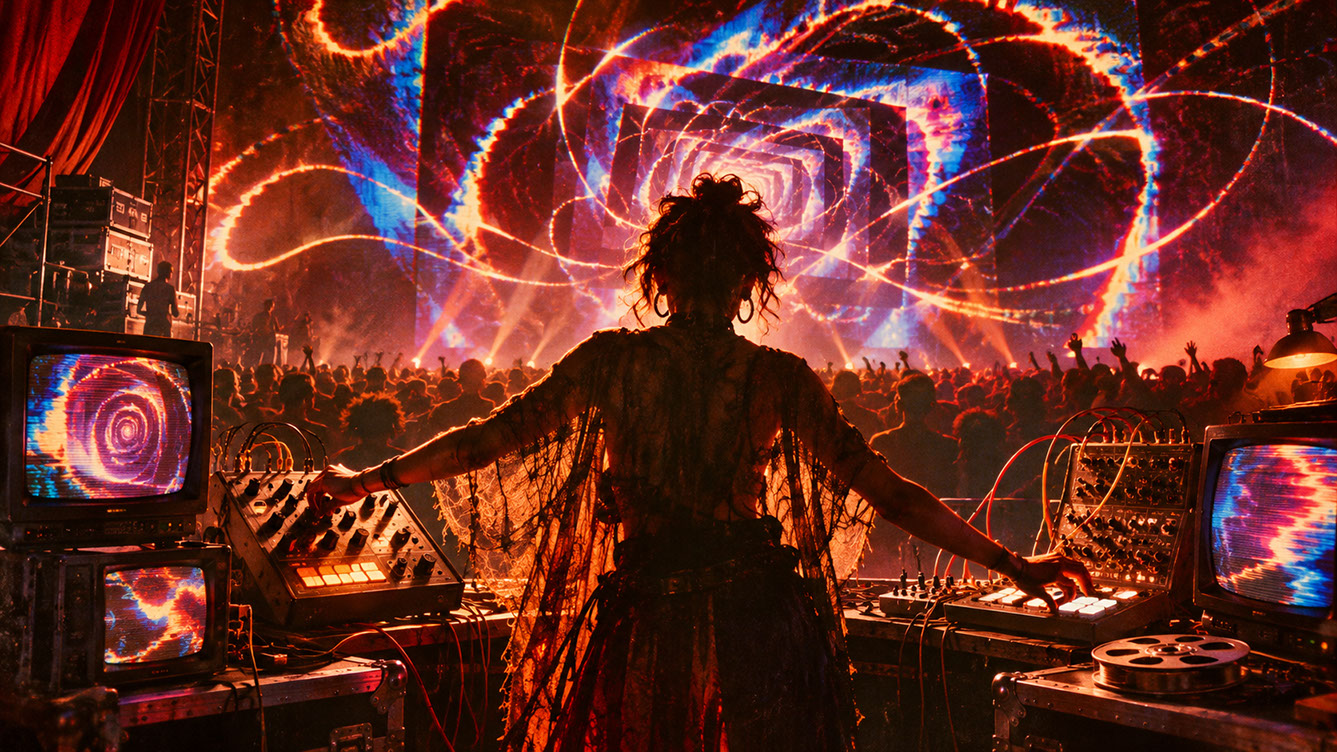 🔍 PLATE 11 — CLICK TO EXPAND
Plate 11 — The Human at the Centre — Series Finale Celebrating Human Artistry in 2027 Live AV: Plate 11 (Series Conclusion — The Human at the Centre): Technology amplifies capacity, but human taste, empathy, and timing create unforgettable live moments.
⚡ 5 Strategies to Consider
STUDIO PLAYBOOK // 5 DIRECTIVES❓ Frequently Asked Questions — 5 Q&As (5 Q&As)
SCHEMA.ORG/FAQPAGE // 5 Q&As (5 Q&As)Q1. How much redundancy is enough for a touring VJ setup?
At minimum, you need a tested bypass to safety media and duplicated critical content on separate storage devices. For larger productions, consider fully redundant render paths with automatic failover and watchdog systems that detect failures and switch outputs within seconds.
Q2. Should I use SDI or NDI for my main output path?
Use SDI for critical output paths where reliability is paramount, as it offers hardware-based reliability independent of operating system or network. Use NDI for flexible multi-machine distribution when proper network infrastructure exists and you have appropriate fallback provisions in place.
Q3. What is Spout and when should I use it?
Spout provides zero-copy GPU texture sharing between applications on the same machine, eliminating encoding and decoding overhead. Use it for local inter-application communication, such as connecting TouchDesigner to Resolume on one system. It cannot traverse network boundaries.
Q4. How do I practise failure scenarios without risking actual shows?
Schedule dedicated rehearsal sessions specifically for failure practice. Run through complete shows and introduce failures at random points, such as disconnecting the network or stopping AI inference. Time your recovery, identify bottlenecks, and refine procedures until switching becomes automatic.
Q5. What are the essential controls every VJ controller should have?
Focus on eight fundamental creative decisions: Intensity for overall energy, Density for visual complexity, Colour for palette selection, Camera for virtual movement, Texture for source material, Feedback for recursive effects, Scene for preset switching, and Emergency Bypass for instant failsafe activation.
EXPLORE RELATED STUDIO TAGS (6):
Glad this piece sparked something — want the matching 4096×4096px .ZIP pack?
Enter your email below for an instant direct download of Studio Seamless Pattern Pack — Drop 01 (WPAY_DROP01.zip) plus new Studio Journal essays & free drops.